
While macOS offers solid native screenshot capabilities, professionals across design, development, marketing, and support often hit a wall. The default tools lack the advanced features needed for demanding workflows. Capturing a simple window is easy, but what about a full-page website, a complex user interface flow, or providing crystal-clear annotated feedback? This is where dedicated screenshot apps for Mac become essential, transforming a basic function into a powerful productivity tool.
This guide dives deep into the best screenshot apps for Mac, moving beyond simple captures to explore sophisticated workflows that save time and elevate your visual communication. We're not just listing features; we are providing a comprehensive analysis of each tool to help you make an informed decision. Whether you're a QA engineer documenting bugs, a content creator crafting tutorials, or a support agent guiding a user, the right app can dramatically improve your efficiency and the quality of your work.
We will analyze each app's unique strengths, from pixel-perfect editing in tools like Shottr to the seamless team collaboration and cloud integration offered by platforms like Zight and Jumpshare. You'll find detailed breakdowns, honest pros and cons, direct links, and clear screenshots for every option. Our goal is straightforward: to help you find the perfect application that solves your specific screen capture challenges, enhances your productivity, and fits perfectly into your existing toolkit. Let's find the app that will replace Cmd+Shift+4 for good.
1. Mac App Store
The Mac App Store is Apple’s official, curated marketplace and often the first stop for discovering some of the best screenshot apps for Mac. It serves as a centralized, secure hub where users can find, purchase, and manage software. Every app undergoes a review process by Apple, ensuring a baseline of security and functionality, which provides significant peace of mind.
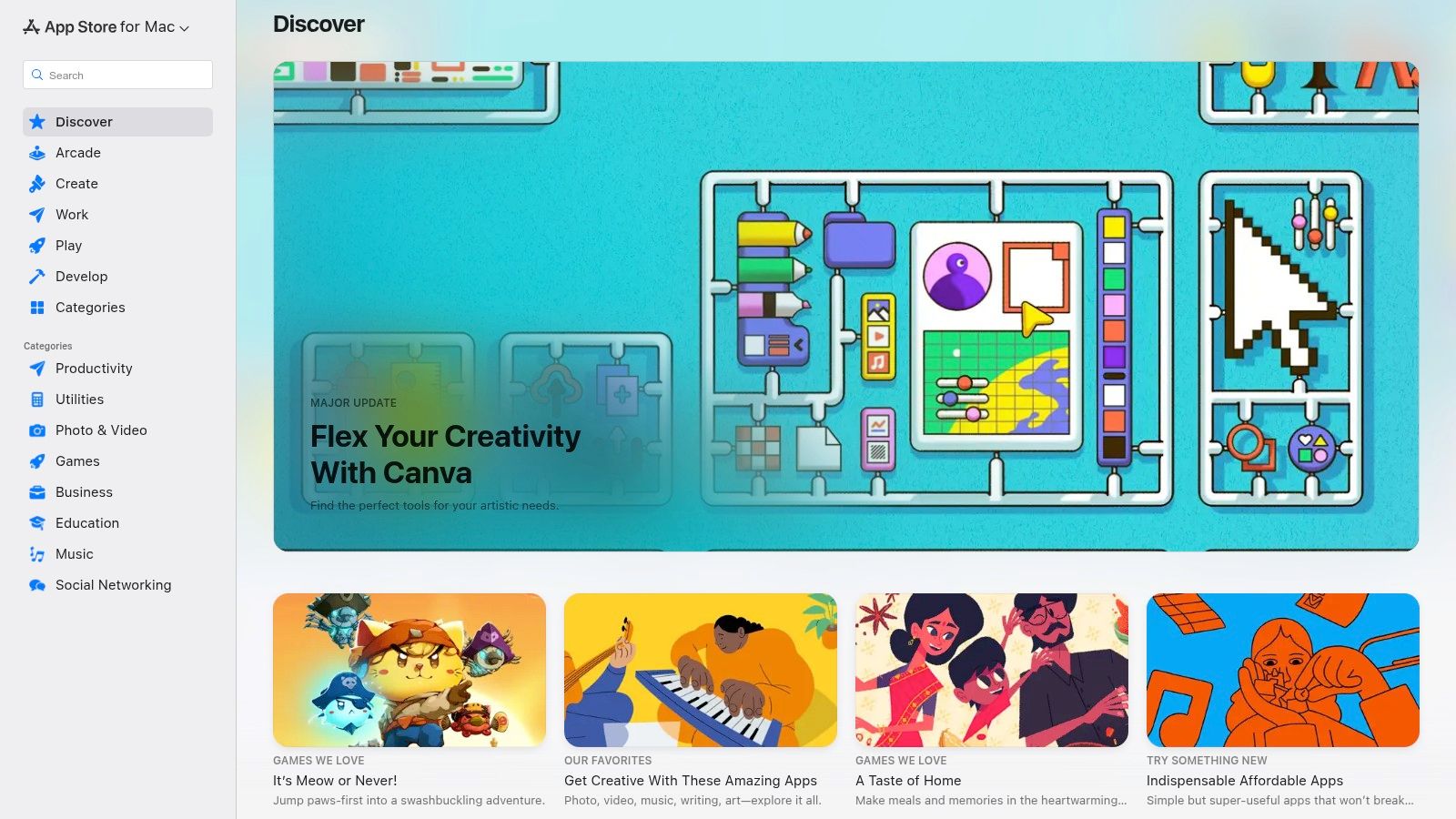
Unlike direct developer websites, the App Store streamlines the entire user experience from discovery to maintenance. Installation is a simple one-click process, and updates for all installed apps are managed in a single, convenient location. This is particularly useful for teams who need to ensure their software stack, including critical tools like screenshot utilities, remains up-to-date for security and feature access.
Platform Analysis
The key differentiator is trust and integration. Purchases are tied to your Apple ID, making it easy to re-install apps on new devices or restore them after a system wipe. For professionals, user reviews and version histories on each app page provide valuable insights into an app's stability and development lifecycle before committing to a purchase or download.
However, a notable limitation is its selection. Not all developers choose to list their apps here due to Apple's guidelines or commission structure. This means some powerful, niche screenshot tools might only be available directly from the developer's website.
Key Platform Features:
- Vetted and Secure: All applications are reviewed by Apple, reducing the risk of malware.
- Centralized Updates: Manage all app updates from a single, unified interface.
- Seamless Integration: Purchases are linked to your Apple ID, simplifying license management and re-downloads.
Website: https://apps.apple.com/us/mac
2. Setapp
Setapp is a unique subscription service that offers access to a curated library of over 240 high-quality Mac and iOS applications for a single monthly fee. Instead of being a marketplace to buy individual apps, it acts like a “Netflix for apps,” making it an incredibly cost-effective platform for finding some of the best screenshot apps for Mac, alongside a suite of other professional tools. This model is ideal for power users who need multiple premium utilities without the upfront cost of individual licenses.
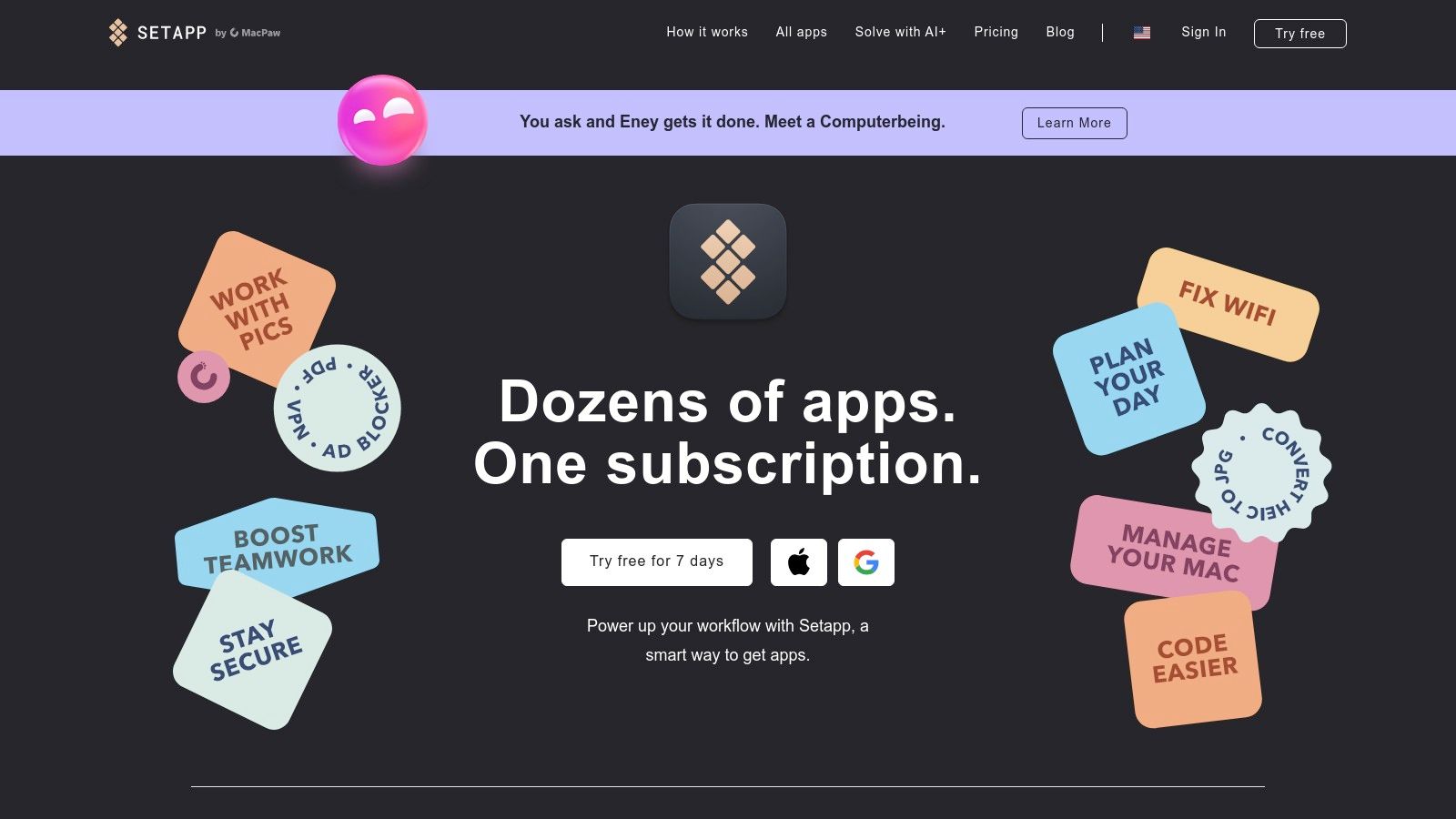
The platform includes several top-tier screenshot and screen recording tools like CleanShot X, ScreenFloat, and TextSniper, all fully unlocked with an active subscription. This allows users to experiment with different workflows and find the perfect tool for their needs, from quick annotations to advanced cloud-based sharing. Management is streamlined through a single desktop app, which handles installation, updates, and discovery.
Platform Analysis
The key differentiator for Setapp is value and discovery. For the price of one or two premium apps, users gain access to a vast, vetted catalog covering everything from productivity to development. The 7-day free trial lets you explore the entire library, including all the screenshot tools, without any commitment, providing a genuine "try before you buy" experience that standalone app trials often can't match.
However, the subscription model is its main consideration. If you only need one or two specific apps permanently, a one-time purchase from the developer might be more economical in the long run. Additionally, the app lineup can change, though major apps tend to remain stable.
Key Platform Features:
- All-in-One Access: A single subscription unlocks a massive library of paid Mac applications.
- Premium Selection: Includes highly-rated screenshot tools like CleanShot X and TextSniper.
- Simplified Management: Centralized installation, updates, and license management through the Setapp desktop client.
Website: https://setapp.com
3. CleanShot X
CleanShot X is a premium, Mac-native application that elevates the entire screenshot and screen recording process into a seamless workflow. It’s designed from the ground up to feel like a natural extension of macOS, offering a polished user interface and powerful features that go far beyond the built-in tools. For professionals who need more than just a simple capture, it provides one of the best screenshot apps for Mac experiences available.
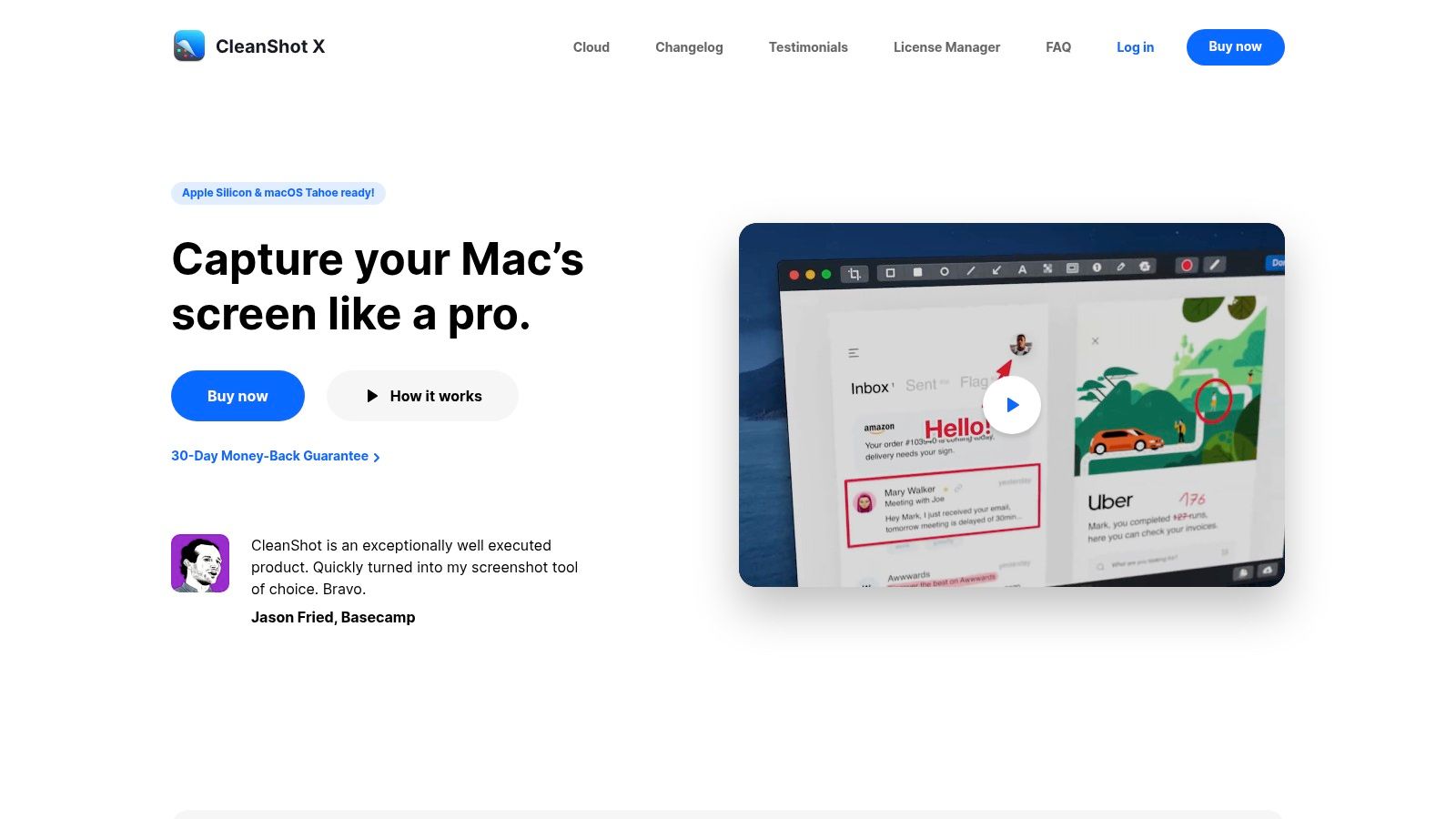
Unlike many utilities that simply capture and save, CleanShot X integrates advanced functionality directly into the capture flow. From scrolling captures that can grab an entire webpage to built-in OCR for extracting text from images, it streamlines tasks that would otherwise require multiple apps. It also includes a robust annotation suite and an optional cloud service for instant, customizable sharing links.
Platform Analysis
The key differentiator for CleanShot X is its all-in-one, highly-optimized design. The app feels incredibly fast and responsive, and its feature set is curated for productivity. The optional CleanShot Cloud adds a significant advantage for remote teams and content creators, allowing for branded, password-protected, or even self-destructing shareable links directly from the menu bar. The one-time purchase option for the app is also a major plus for those avoiding subscriptions.
However, its focus on the Apple ecosystem means there is no Windows client, which could be a deal-breaker for cross-platform teams. Additionally, while the core app is a one-time purchase, advanced cloud features like team management and custom domains are locked behind the recurring "Pro" subscription plan.
Key Platform Features:
- Advanced Capture Modes: Includes scrolling capture, window-specific grabs, video/GIF recording, and OCR.
- Powerful Annotation Suite: A comprehensive set of markup tools for clear communication.
- Optional Cloud Integration: Instantly upload screenshots to get shareable links with advanced controls.
Website: https://cleanshot.com
4. TechSmith Snagit
TechSmith Snagit is a long-standing, enterprise-grade tool that goes far beyond simple screen captures to offer a comprehensive documentation and annotation platform. It is a powerhouse for professionals in corporate or educational settings who need to create detailed tutorials, training materials, or technical documentation. Its cross-platform availability makes it a consistent choice for teams working across both macOS and Windows environments.
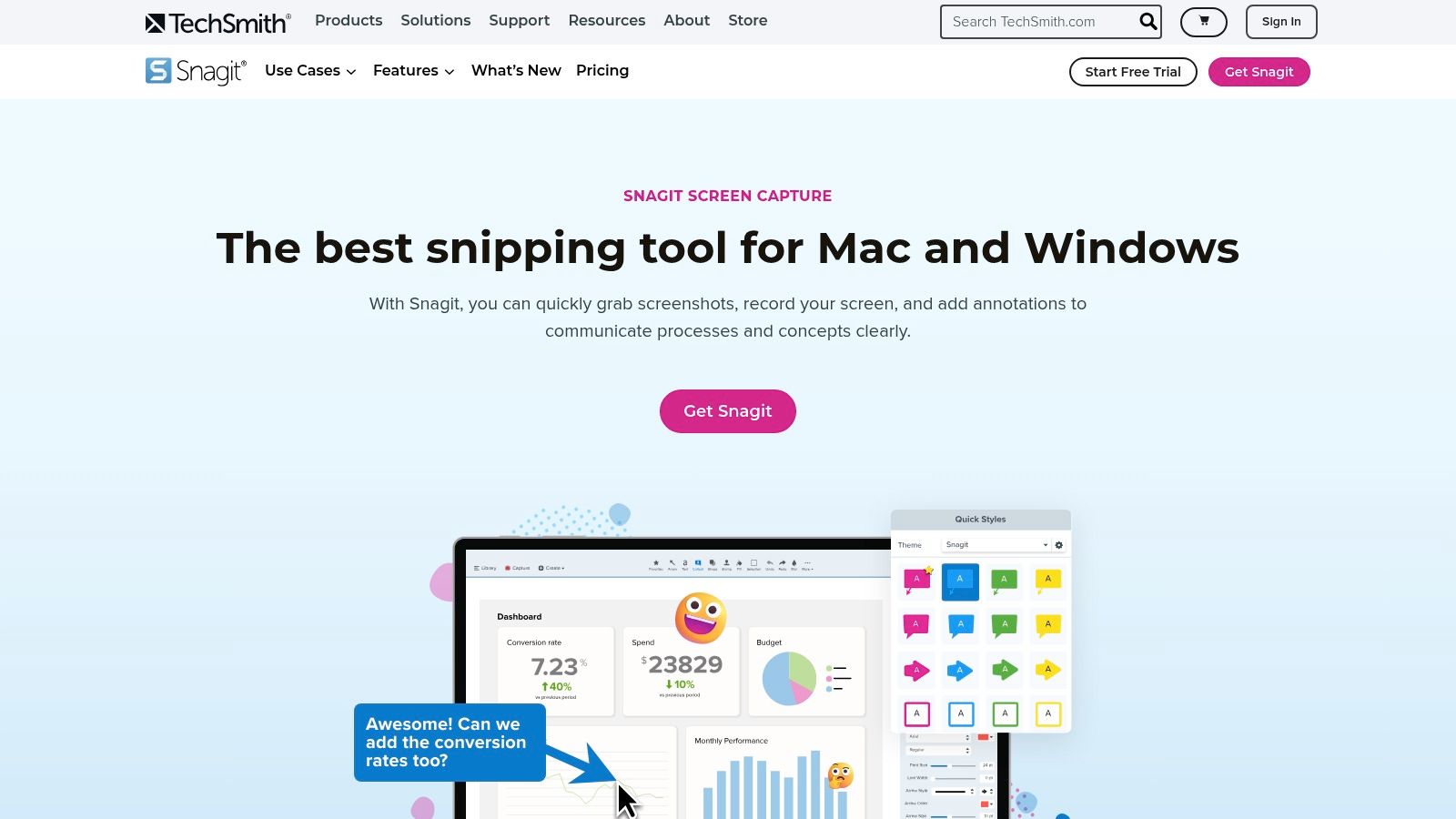
Unlike many simpler screenshot utilities, Snagit combines screen capture with a powerful image and video editor. This integration allows users to not only capture what's on their screen but also to enhance it with text, arrows, numbered steps, and other annotations directly within the same application. This streamlined workflow is a significant time-saver for creating polished, instructional content without needing separate graphic design software.
Platform Analysis
The key differentiator for Snagit is its focus on structured, professional documentation. Features like presets for consistent capture settings and templates for creating standardized visual guides are invaluable for teams needing to maintain brand consistency. It is one of the best screenshot apps for Mac for users who require robust, repeatable workflows and deep integration with business applications like Slack, Dropbox, and Microsoft Office.
However, its professional feature set comes at a premium price, and the platform is transitioning to a subscription model starting in 2025. Perpetual licenses purchased before then will not receive major feature updates, and the software requires periodic online license validation, which may be a drawback for users who prefer a one-time purchase or need to work offline consistently.
Key Platform Features:
- Powerful Editor: Combines screen capture with advanced image and video editing capabilities.
- Templates and Presets: Create standardized documentation and repeatable capture workflows.
- Enterprise Integrations: Seamlessly share content to popular business and cloud platforms.
Website: https://www.techsmith.com/snagit.html
5. Shottr
Shottr is a small, lightweight, and incredibly fast screenshot tool built for performance. It's particularly popular among designers and developers who need precision tools without the bloat of larger applications. Written natively for Apple Silicon, it launches instantly and uses minimal system resources, making it one of the best screenshot apps for Mac for users who prioritize speed and efficiency.
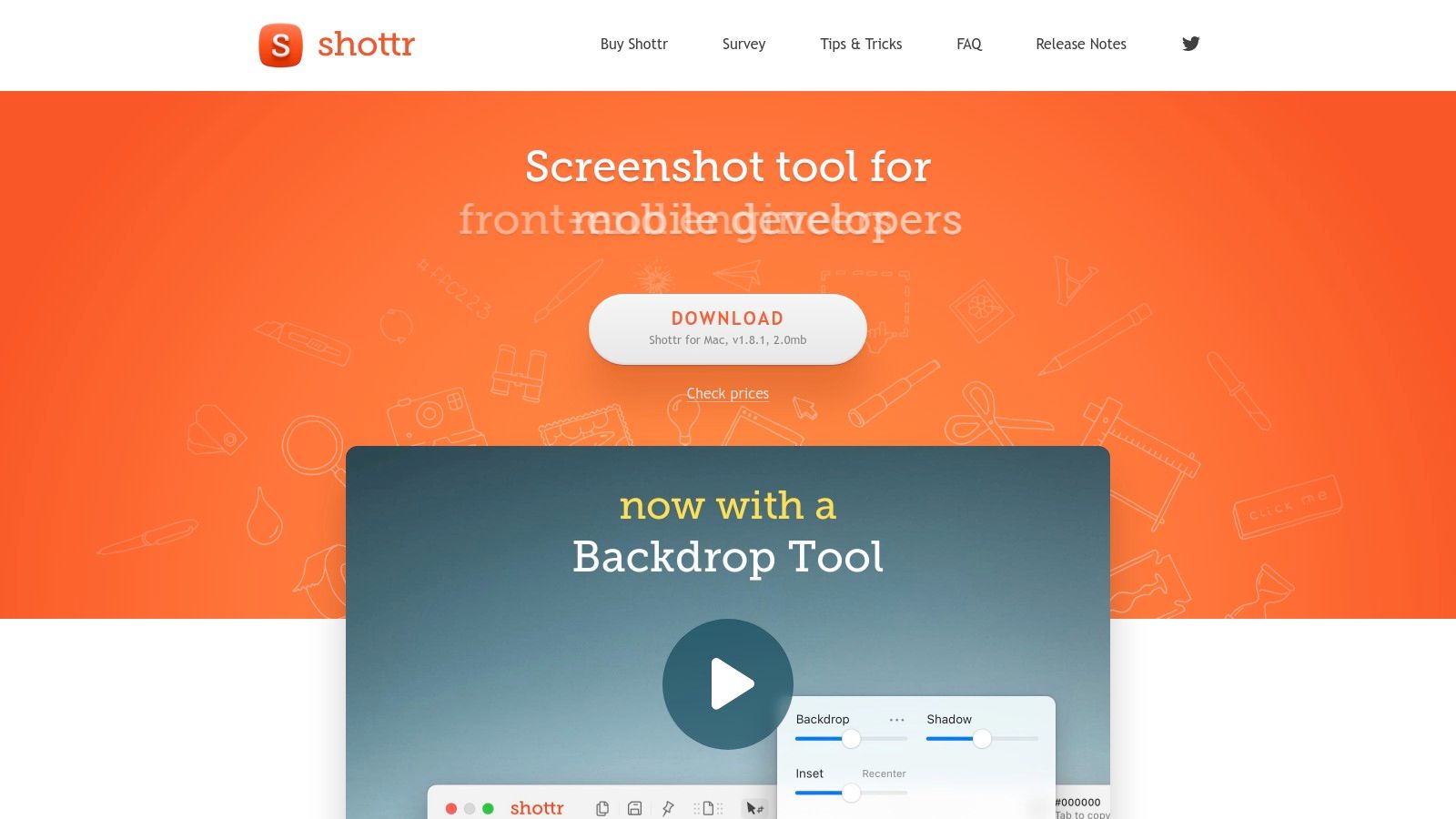
Its design philosophy is centered on pixel-perfect accuracy. Features like the on-screen ruler, pixel zoom loupe, and color picker are integrated directly into the capture workflow. This allows users to measure elements, verify alignment, and grab hex codes without switching between different applications, significantly speeding up design and development tasks.
Platform Analysis
Shottr's key differentiator is its combination of power and minimalism. It packs advanced features like scrolling screenshots, text recognition (OCR), and "pinned" floating screenshots into a tiny application footprint. The free version is extremely generous, with core features available to all users, while a fair one-time purchase unlocks cloud uploads and advanced OCR capabilities.
The primary trade-off is its nature as a single-developer project. While this often results in a highly focused and well-crafted product, it may mean slower feature development or support compared to larger teams. However, for professionals seeking a blazing-fast utility for precise screen captures and quick annotations, Shottr is an unmatched tool that feels like a native part of macOS.
Key Platform Features:
- Pixel-Perfect Tools: Includes an on-screen magnifier, rulers, and color picker for design accuracy.
- Blazing Fast: Optimized for Apple Silicon, ensuring instant captures with a minimal resource footprint.
- Advanced Capabilities: Offers scrolling capture, OCR, and the ability to pin screenshots as floating windows for reference.
Website: https://shottr.cc
6. ScreenFloat (Eternal Storms)
ScreenFloat excels in a unique niche by allowing screenshots to float persistently above all other windows. This core feature transforms screenshots from static files into interactive, always-on-top visual references, making it an indispensable tool for designers, developers, and researchers who constantly need to compare or reference information across different applications.
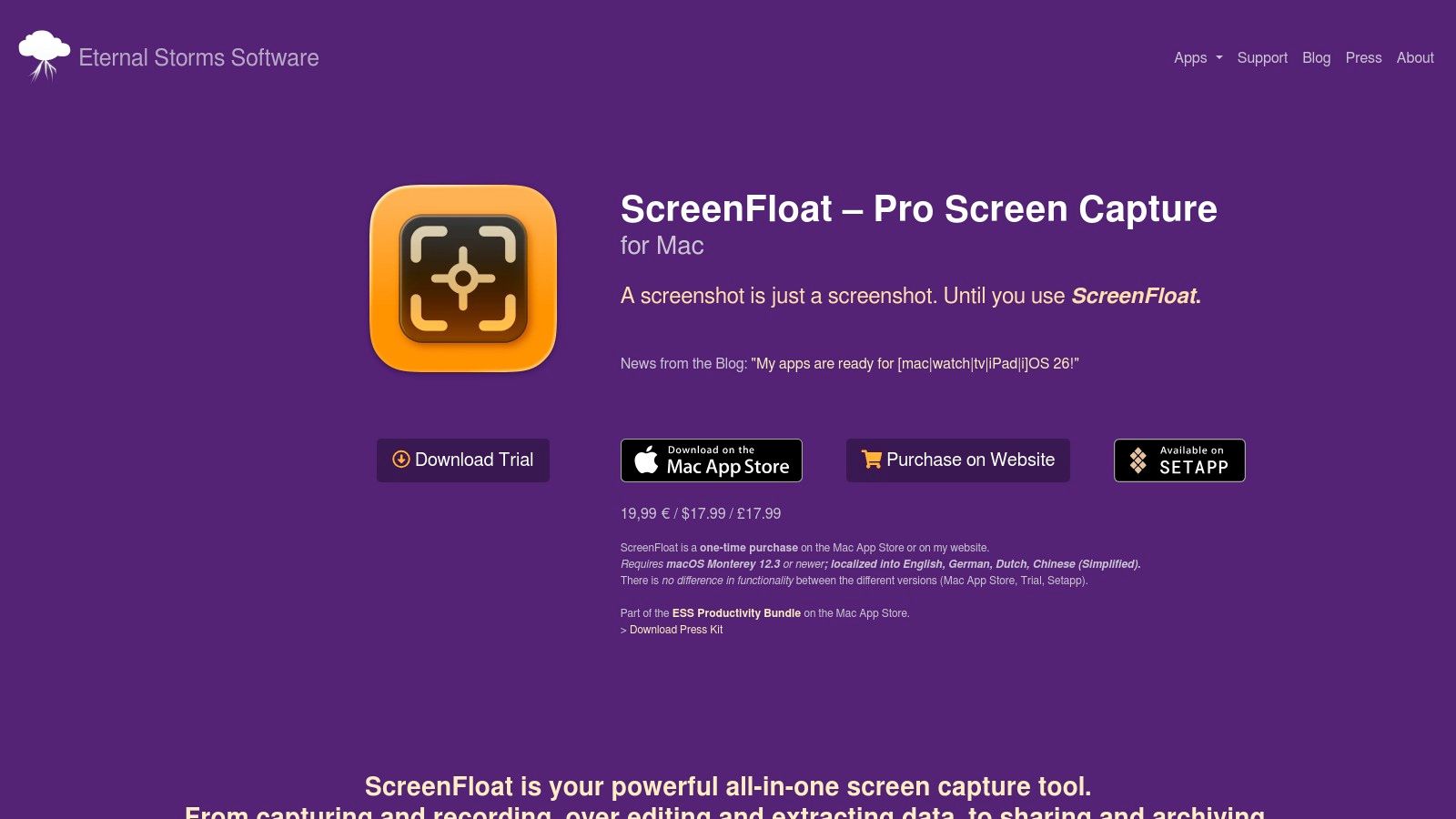
Beyond its floating capability, ScreenFloat offers a robust management system called the "Shots Browser." This integrated library allows you to organize, tag, and categorize captures with folders and smart folders, much like a dedicated photo management app. Its utility is further enhanced with powerful features like built-in OCR for text extraction, annotation tools for quick markups, and iCloud sync to keep your shot library accessible across multiple Macs.
Platform Analysis
ScreenFloat's key differentiator is its workflow-centric design. Instead of just capturing and saving an image, it turns the screenshot into an active part of your workspace. This is invaluable for tasks like transcribing text from an image, matching color codes for a design project, or keeping a visual reminder of instructions while working in another app. The one-time purchase model is another significant advantage, offering lifetime value without recurring subscription fees.
However, its focus is intentionally narrow. While it is one of the best screenshot apps for Mac for reference-heavy tasks, it lacks the all-in-one screen recording and GIF creation features found in broader tools. It also requires a modern operating system (macOS 12+), which may be a limitation for users on older hardware. The app is available directly from the developer or on the Mac App Store.
Key Platform Features:
- Floating Screenshots: Keep captures always-on-top for easy, persistent reference.
- Shots Browser: A powerful library to organize, tag, and manage all screenshots with iCloud sync.
- Built-in OCR & Annotation: Extract text from images and add quick markups without leaving the app.
Website: https://eternalstorms.at/ScreenFloat/
7. Xnip
Xnip is a nimble and efficient utility that excels at handling everyday screenshot tasks with a few powerful additions. Positioned as one of the more focused best screenshot apps for Mac, it offers a clean interface directly from the menu bar, making it instantly accessible without overwhelming the user. Its core strength lies in its simplicity and the inclusion of high-demand features like scrolling capture and window snapping.
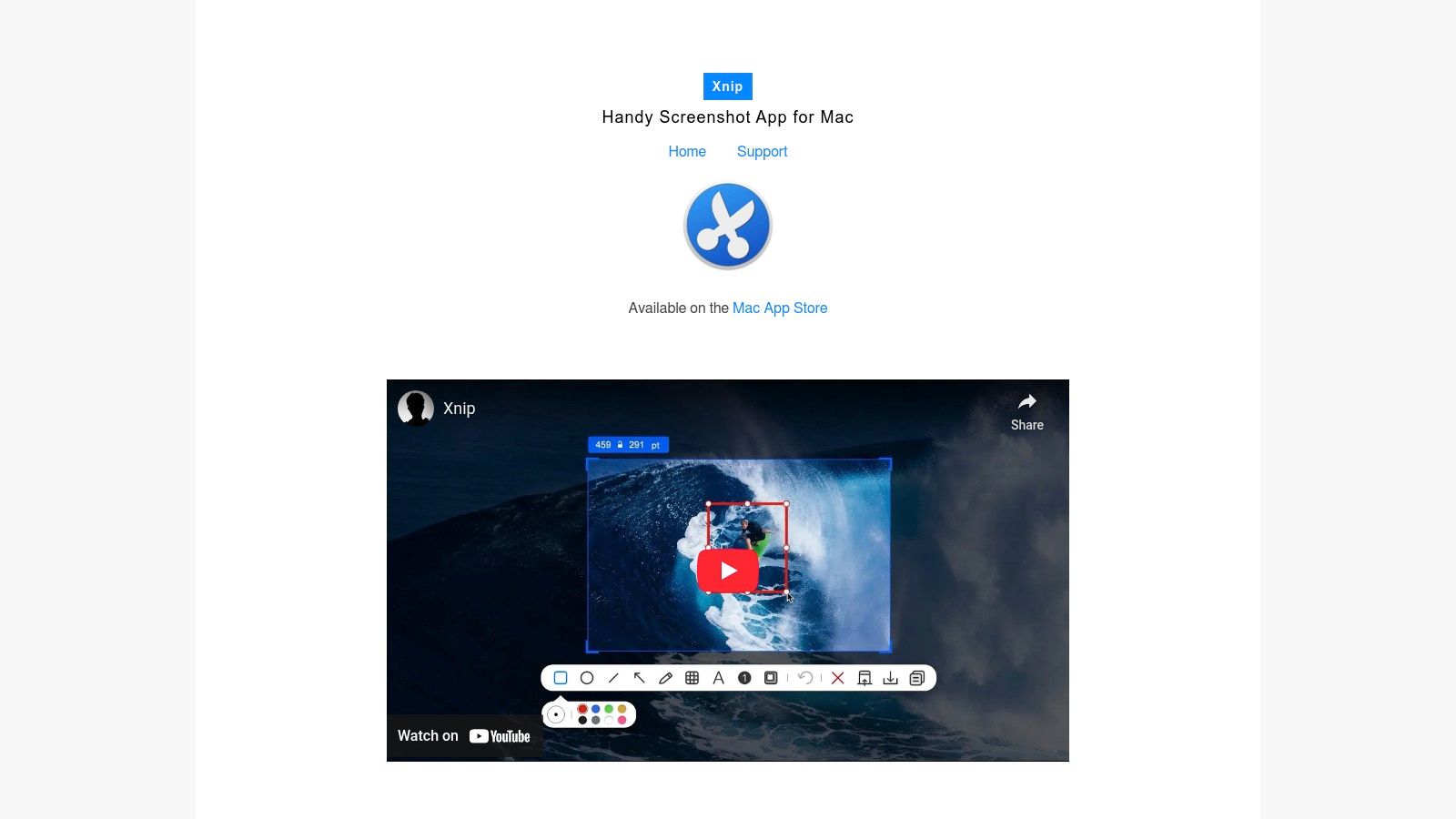
Unlike larger, more complex suites, Xnip concentrates on perfecting the capture and annotation process. Users can quickly grab long web pages or chat histories with its scrolling capture, and the ability to "pin" a screenshot to float above other windows is a fantastic productivity hack for developers, designers, and writers who need to reference an image while working in another application.
Platform Analysis
Xnip’s key differentiator is its balance of advanced features within a minimalist package, distributed conveniently through the Mac App Store. While annotating, you can resize the capture region, a small but significant detail that avoids the need for recapturing. The tool also intelligently captures windows with their shadows, creating a professional look with zero extra effort.
The main limitation is its scope; it lacks the robust cloud storage integrations, team collaboration features, or advanced video recording capabilities found in more comprehensive platforms. Its freemium model, managed via the App Store, means some key features require an in-app purchase, which might be a drawback for users seeking an all-in-one free solution. However, for those who just need a reliable upgrade from the native macOS tool, Xnip is an excellent and accessible choice.
Key Platform Features:
- Scrolling Capture: Easily capture long web pages, documents, or chat logs in a single image.
- Floating Pin Windows: Pin screenshots on top of your screen to keep them visible for reference.
- Intelligent Window Snapping: Automatically detects and captures application windows with their shadows intact.
Website: https://xnipapp.com
8. Capto (Global Delight)
Capto is a powerful, all-in-one screen capture suite that goes far beyond simple screenshots to include robust screen recording and video editing. It is positioned as one of the best screenshot apps for Mac for users who need to create polished tutorials, detailed presentations, or educational content. The platform integrates image capture, high-fidelity screen recording (up to 60 FPS), and a timeline-based video editor into a single, cohesive workflow.
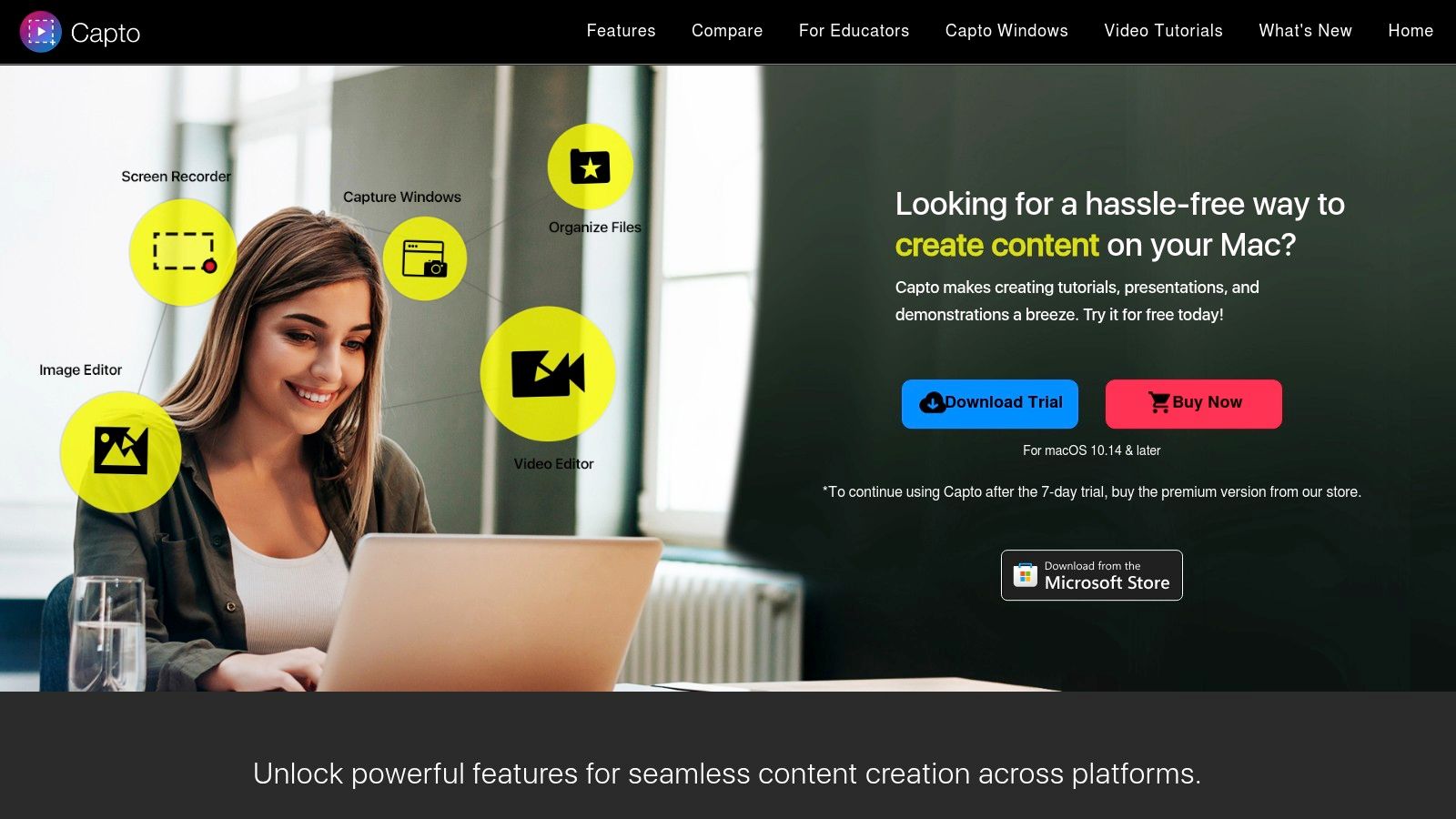
Unlike lightweight snipping tools that focus solely on static images, Capto’s strength lies in its ability to manage the entire content creation lifecycle, from initial capture to final export. Users can record their screen and webcam simultaneously, edit dual audio tracks, and add professional annotations like callouts and text overlays directly on the video timeline. This makes it an ideal choice for content creators and educators who need a single tool for both screenshots and video production.
Platform Analysis
The key differentiator for Capto is its video editing capability. While other apps may offer basic recording, Capto provides a non-linear editor that allows for trimming, cutting, and arranging clips, which is rare in a screen capture utility. Its built-in file management system also helps keep all captures organized and easily accessible for future projects.
However, its comprehensive feature set makes it heavier and more complex than simpler alternatives. For users who only need quick, basic screenshots, Capto might be overkill. The user interface, while powerful, has a steeper learning curve, and it’s important to check recent version notes, as the update frequency can sometimes vary. The app is available via a one-time purchase, with a free trial to test its functionality.
Key Platform Features:
- All-in-One Capture: Combines image screenshots, screen recording, and iOS device capture.
- Timeline Video Editing: Features a non-linear video editor with dual-audio support and annotation tools.
- Integrated Sharing: Direct export options to platforms like YouTube, Dropbox, and FTP/SFTP servers.
Website: https://www.globaldelight.com/capto
9. Monosnap
Monosnap is a versatile tool that extends beyond simple screenshots, positioning itself as an all-in-one solution for screen capture, annotation, and cloud sharing. It is one of the best screenshot apps for Mac for users who need a seamless workflow from capture to distribution, especially within developer and support team environments. The app combines standard screenshot functions with video recording, GIF creation, and powerful integrations.
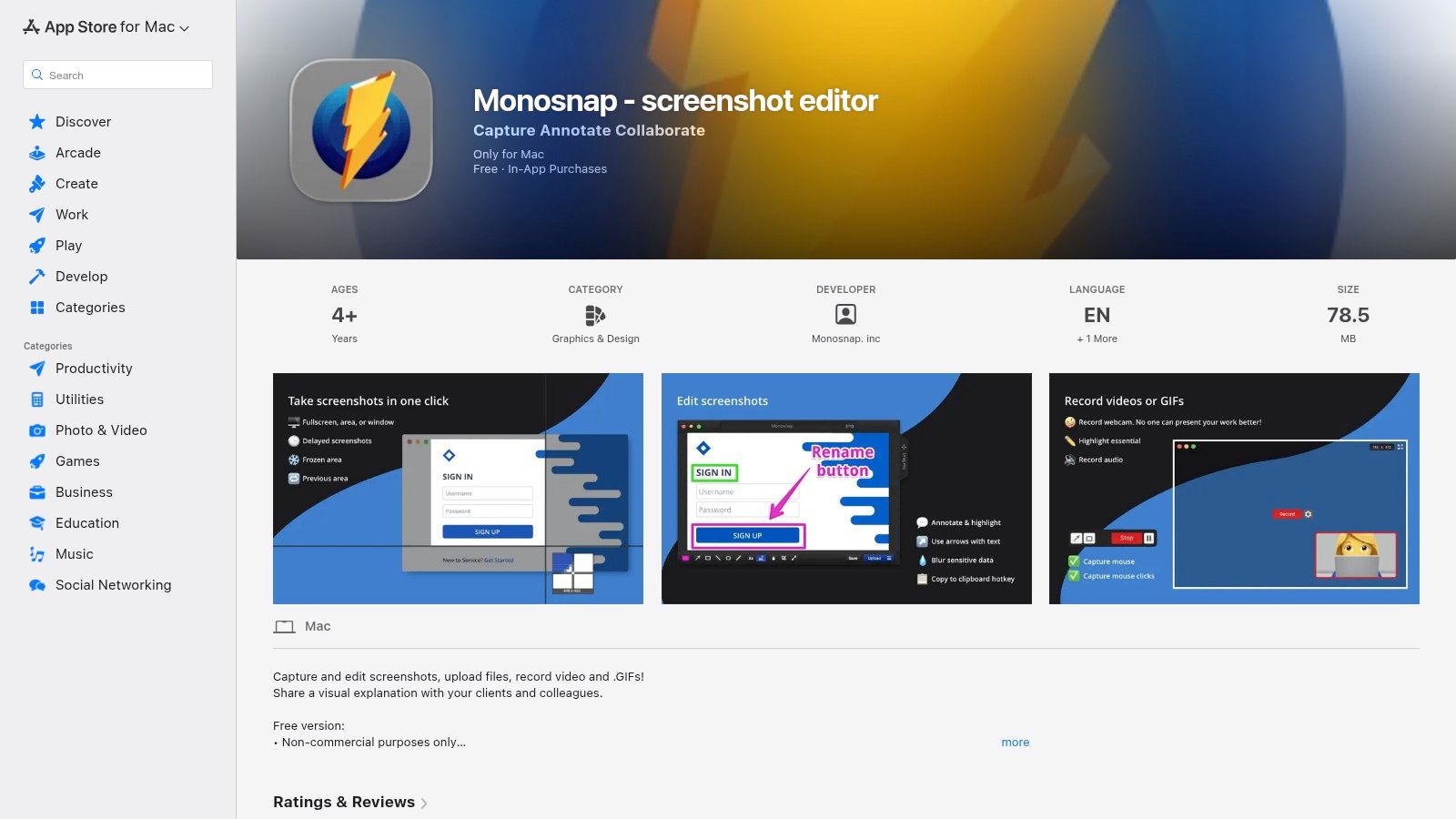
What sets Monosnap apart is its focus on cloud connectivity. After capturing and annotating an image or video, users can upload it directly to Monosnap's cloud storage or a wide range of third-party services like Google Drive, Dropbox, Amazon S3, and even FTP/SFTP servers. This makes sharing with teammates or embedding visuals into documentation incredibly efficient.
Platform Analysis
The key differentiator for Monosnap is its integration flexibility, which is particularly valuable for technical teams. Developers can push screenshots directly to project management tools, and support staff can quickly create and share annotated guides with customers. Its free tier is generous for personal use, but commercial use requires a paid subscription, which unlocks more storage and removes limitations.
A potential drawback is that some users might find the feature set overwhelming if they only need basic capture tools. Additionally, the Mac App Store version can sometimes have stricter OS requirements than the one downloaded directly from their website, so users on older macOS versions should check for compatibility.
Key Platform Features:
- Flexible Integrations: Connects with popular cloud storage and developer tools like S3, Google Drive, and WebDAV.
- All-in-One Capture: Supports screenshots, screencasts, and GIF creation in a single application.
- Quick Sharing: Generates a short link for instant sharing after uploading to Monosnap Cloud.
Website: https://apps.apple.com/us/app/monosnap-screenshot-editor/id540348655
10. Zight (formerly CloudApp)
Zight, formerly known as CloudApp, is a comprehensive visual communication platform designed for speed and team collaboration. It goes beyond simple screen grabs, integrating screenshots, screen recordings, and GIF creation into a single, cloud-based workflow. This makes it one of the best screenshot apps for Mac for professionals who need to share visual information instantly with colleagues or clients.
The platform is built around the concept of immediate sharing. Once you capture a screenshot or record your screen, a shareable link is automatically copied to your clipboard and the file is uploaded to the cloud. This process eliminates the extra steps of saving, locating, and attaching files, making it incredibly efficient for fast-paced environments like customer support, QA testing, and software development.
Platform Analysis
Zight’s key differentiator is its enterprise-grade feature set focused on teams. It offers robust analytics, user management, and security compliance (including SOC 2 and HIPAA options), which are critical for businesses handling sensitive data. Features like collections and branded sharing pages allow teams to organize and present their visual assets professionally. The addition of AI for generating summaries and guides further positions it as a productivity suite, not just a capture tool.
However, its cloud-first approach means an internet connection and user sign-in are required. While a generous free tier exists, accessing its most powerful team-oriented features and advanced AI capabilities requires a paid subscription, with the best value often found in annual plans. This dependency on the cloud might be a drawback for users seeking a purely offline solution.
Key Platform Features:
- Instant Cloud Sharing: Automatically uploads captures and provides a shareable link.
- Comprehensive Capture Tools: Includes screenshots, high-quality video recording, scrolling capture, and GIF creation.
- Team and Enterprise Ready: Offers user analytics, SSO/SCIM, and advanced security features for team governance.
Website: https://zight.com
11. Jumpshare
Jumpshare excels as a comprehensive visual communication platform, combining screenshot capture, annotation, screen recording, and GIF creation into a seamless, cloud-based workflow. It is designed for users who need to share visual information quickly and efficiently, making it one of the best screenshot apps for Mac for collaborative and client-facing work. The app automatically uploads every capture to the cloud and copies a shareable link to your clipboard, eliminating several manual steps.
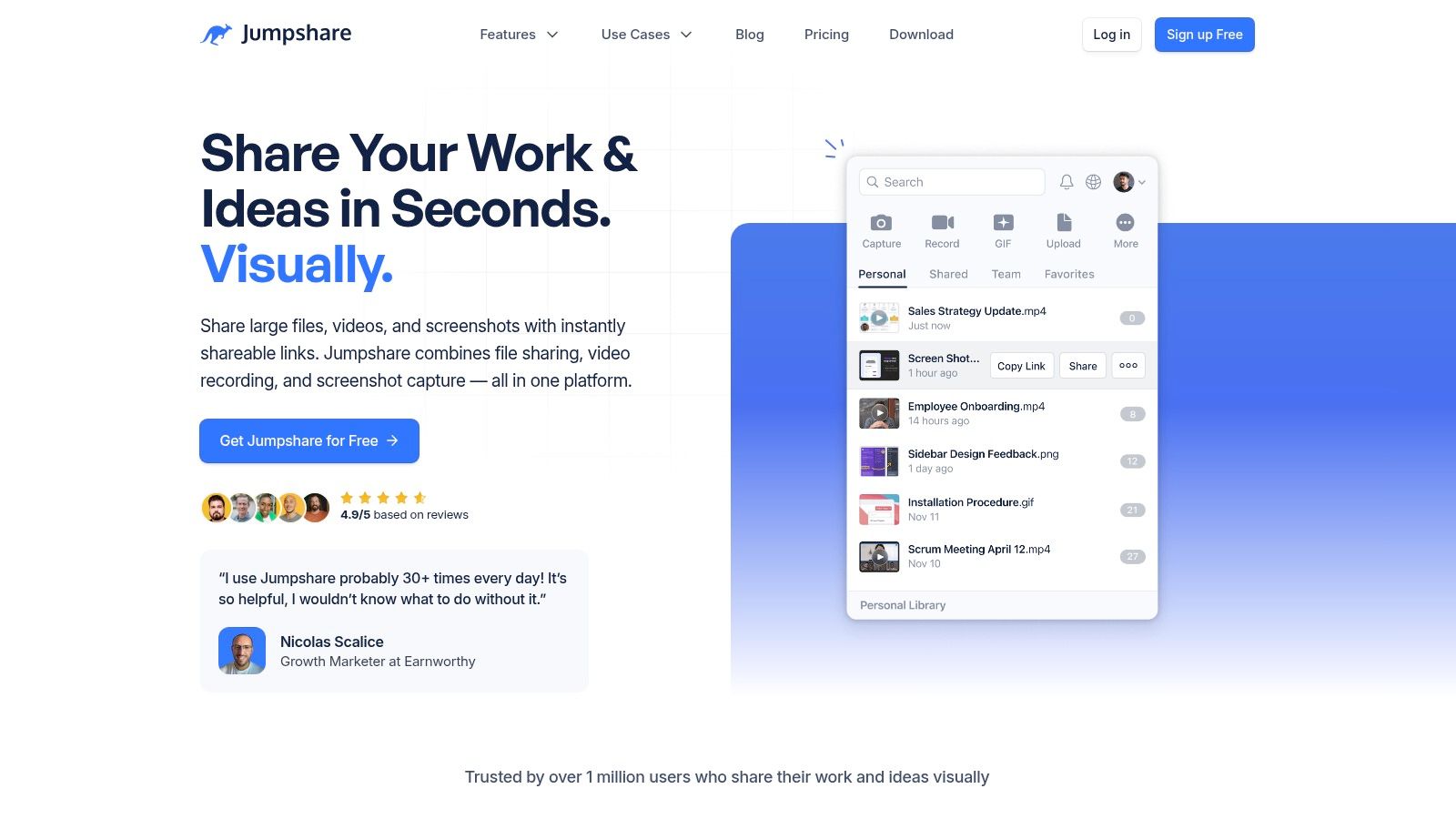
This capture-to-link process is ideal for providing quick feedback, creating bug reports, or sharing design mockups without cluttering local storage. Beyond simple sharing, Jumpshare offers robust organizational features, including workspace libraries where teams can store, comment on, and manage visual assets. This transforms it from a simple utility into a centralized hub for a team's visual communication.
Platform Analysis
The key differentiator for Jumpshare is its integrated cloud platform that supports the entire lifecycle of a visual asset, from capture to feedback and archival. Paid plans introduce powerful business-centric features like custom branding on sharing pages, password-protected links, and detailed analytics that show who viewed your files and when. These tools are invaluable for professionals tracking client engagement or ensuring secure information exchange.
However, its strength is also a potential limitation. The platform is fundamentally cloud-centric, meaning offline functionality is minimal. Users who primarily work without a consistent internet connection or prefer to keep all files stored locally might find the automatic upload process cumbersome. Furthermore, the most powerful analytics and branding features are reserved for its paid subscription tiers.
Key Platform Features:
- Instant Cloud Sharing: Automatically uploads screenshots and screen recordings, providing an immediate shareable link.
- Workspace Libraries: Organize captures into shared team libraries for better collaboration and asset management.
- Advanced Analytics: Paid plans offer insights into file views, downloads, and engagement for professional use cases.
Website: https://jumpshare.com
12. Markup Hero
Markup Hero is a cross-platform screenshot and annotation tool designed for speed and collaboration. It excels at a rapid capture-to-share workflow, making it one of the best screenshot apps for Mac for users who need to communicate visually and quickly. It operates as a desktop app, a web-based tool, and a Chrome extension, offering flexibility in how you capture and mark up content.
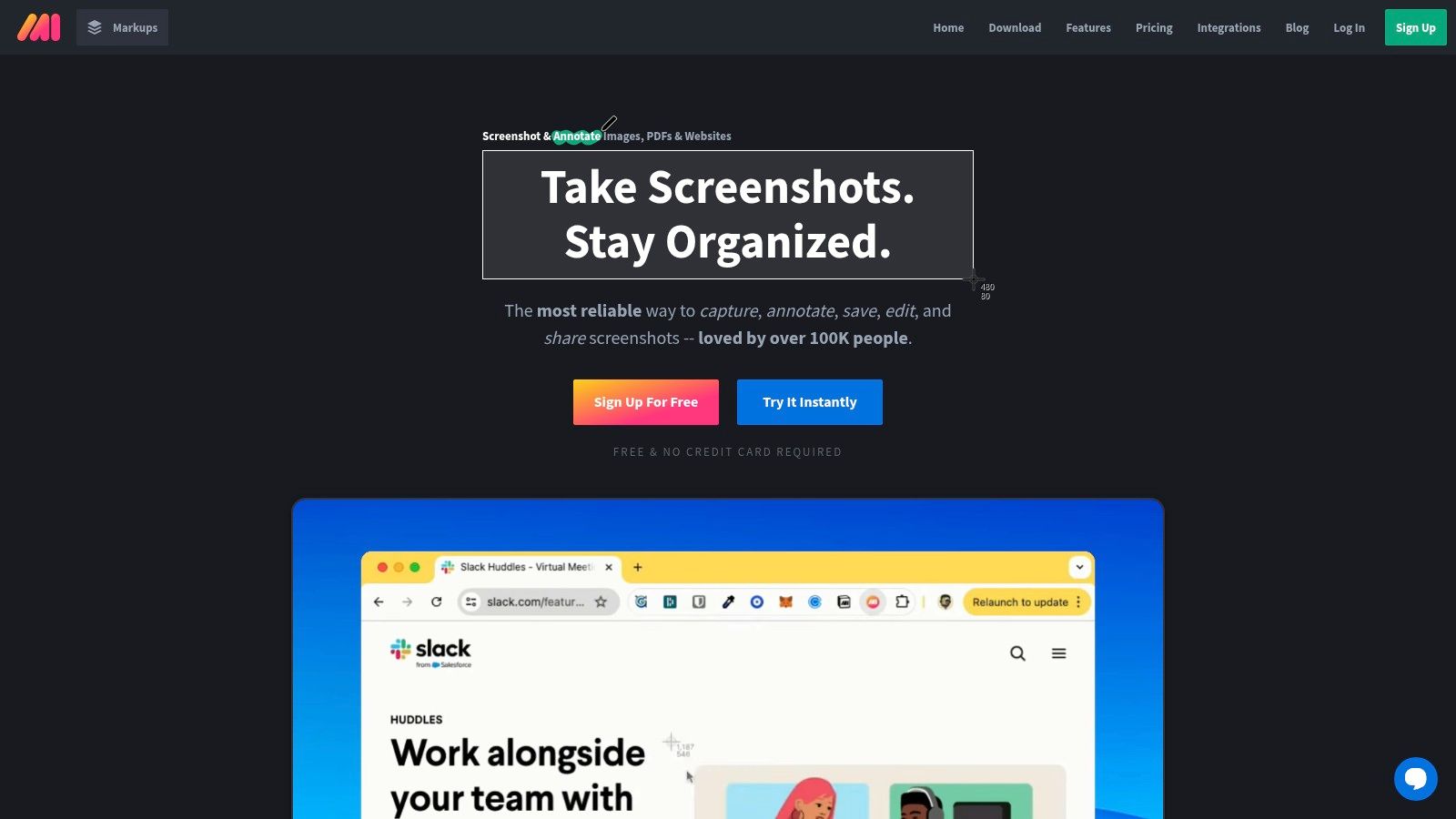
Unlike desktop-centric applications, Markup Hero is built around a web-first model. Once you take a screenshot, it’s instantly uploaded and ready for annotation in your browser, with a shareable link generated automatically. This is ideal for remote teams, customer support, and QA engineers who need to quickly share feedback on web pages, PDFs, or images without cumbersome file transfers.
Platform Analysis
The key differentiator for Markup Hero is its emphasis on a lightweight, cloud-based history and organization system. All markups are saved to your account, creating a searchable history and allowing you to organize them into collections. This transforms screenshots from disposable files into a persistent, accessible knowledge base. The scrolling capture feature, available via its browser extension, is another practical tool for capturing entire web pages.
However, its web-focused approach means the desktop editor is less feature-rich than dedicated offline tools like CleanShot X. The free tier is also limited in the number of markups you can save per month, pushing frequent users toward its very affordable paid plan for unlimited access.
Key Platform Features:
- Multi-Platform Sync: Access and annotate screenshots from the desktop app, web browser, or Chrome extension.
- Instant Cloud Sharing: Automatically generates a shareable link for every capture, streamlining collaboration.
- Markup History & Collections: Saves all your work to the cloud, creating a searchable and organized library.
Website: https://markuphero.com
Top 12 Mac Screenshot Apps — Comparison
| Product | Core features ✨ | UX/Quality ★ | Price/Value 💰 | Target audience 👥 | Best for / USP 🏆 |
|---|---|---|---|---|---|
| Mac App Store | ✨ Vetted app listings, centralized installs & updates | ★★★★☆ (trusted) | 💰 Marketplace — app prices vary; free to browse | 👥 General macOS users | 🏆 Trusted distribution & Apple review |
| Setapp | ✨ 200+ Mac apps via single subscription, central updates | ★★★★ (convenient) | 💰 Subscription — cost‑effective if you use many apps | 👥 Power users, multitool seekers | 🏆 Bundled access to premium Mac utilities |
| CleanShot X | ✨ Scrolling/video capture, OCR, markup, CleanShot Cloud | ★★★★★ (polished) | 💰 One‑time app + cloud tiers / available on Setapp | 👥 Creators & Mac power users | 🏆 Mac‑optimized, feature‑rich capture + sharing |
| TechSmith Snagit | ✨ Cross‑platform capture/editor, templates, enterprise tools | ★★★★★ (enterprise) | 💰 Paid (subscription/enterprise pricing) | 👥 Documentation teams & regulated orgs | 🏆 Robust workflows, templates & support |
| Shottr | ✨ Ultra‑fast captures, OCR, pixel zoom, rulers | ★★★★ (very fast) | 💰 Affordable one‑time; generous free usage | 👥 Designers & developers | 🏆 Speed + tiny resource footprint |
| ScreenFloat | ✨ Floating always‑on‑top shots, Shots Browser, OCR | ★★★★ (focused) | 💰 One‑time purchase (App Store/direct) | 👥 Researchers, UI/UX workers | 🏆 Persistent floating screenshots for multi‑window work |
| Xnip | ✨ Scrolling capture, annotations, floating pins | ★★★ (simple) | 💰 Freemium via App Store (IAPs) | 👥 Everyday mac users | 🏆 Lightweight, easy daily captures |
| Capto | ✨ Image/video capture, timeline editing, dual audio | ★★★★ (editorial) | 💰 Paid (trial available) | 👥 Educators & content creators | 🏆 Integrated capture→edit→share workflow |
| Monosnap | ✨ Capture/record, blur/redact, cloud uploads & integrations | ★★★ (flexible) | 💰 Free tier; paid commercial plans | 👥 Devs, support teams | 🏆 Strong cloud/storage integrations |
| Zight (CloudApp) | ✨ Screenshots, GIF/video, auto‑upload, team analytics, AI | ★★★★ (team) | 💰 Freemium → paid team plans | 👥 Teams & enterprises | 🏆 Team features: analytics, SSO, governance |
| Jumpshare | ✨ Capture/record, auto‑upload, branded/passworded links | ★★★ (fast) | 💰 Freemium; paid tiers for branding & analytics | 👥 Freelancers, agencies, small teams | 🏆 Quick capture→share + workspace libraries |
| Markup Hero | ✨ Web/desktop capture, annotate, instant share links | ★★★ (web‑first) | 💰 Low‑cost paid; free limited plan | 👥 Web users & quick annotators | 🏆 Fast browser‑based markup and link sharing |
The Verdict: Choosing the Right Tool for Your Mac Workflow
Navigating the crowded landscape of the best screenshot apps for mac can feel overwhelming. We've journeyed through a dozen powerful contenders, from the built-in simplicity of macOS's native tools to the enterprise-grade complexity of Snagit. The key takeaway is clear: there is no single "best" app for everyone. The ideal tool is the one that seamlessly integrates into your unique professional workflow, removing friction rather than adding another layer of complexity.
Your final decision hinges on a clear understanding of your primary use case. The right choice is less about finding the app with the most features and more about identifying the app with the right features for your daily tasks.
Finding Your Perfect Fit: A Needs-Based Summary
To help you make a final decision, let's distill our findings into actionable recommendations based on specific professional needs:
- For the Precision-Driven Developer or QA Engineer: If your work demands pixel-perfect measurements, lightweight performance, and lightning-fast captures, Shottr is nearly impossible to beat. Its minimalist design belies a powerful feature set tailored for technical professionals who value speed and accuracy above all else.
- For the Corporate Trainer or Technical Writer: When creating comprehensive training materials, software documentation, or step-by-step guides, TechSmith Snagit remains the industry standard. Its robust feature set, including advanced video recording, template creation, and powerful annotation tools, justifies its premium price for users who need an all-in-one documentation solution.
- For the All-in-One Power User: If you live within the Apple ecosystem and appreciate having a suite of curated apps at your disposal, CleanShot X (especially via Setapp) offers an unparalleled balance of power, design, and versatility. It handles everything from scrolling captures and annotations to cloud storage and GIF creation with remarkable polish.
- For the Budget-Conscious User: For those who need more than the native macOS tool but aren't ready to invest in a premium solution, free options like Shottr and Xnip provide an incredible amount of value without costing a dime.
The Modern Communicator's Dilemma: Beyond the Capture
While traditional apps focus on the capture, the modern professional's workflow extends far beyond that initial step. The real challenge lies in what happens next: transforming a raw screenshot into a polished, engaging, and brand-aligned visual asset ready for public consumption. This is where a new category of tools emerges, bridging the gap between utility and design.
For marketing managers, social media strategists, content creators, and customer support teams, the goal isn't just to show something; it's to communicate it beautifully and effectively. This involves adding professional branding, ensuring consistent styling, creating visually appealing layouts, and redacting sensitive information securely. This is precisely the problem GrabShot.io was built to solve. It redefines the process by focusing on the final output, turning a standard capture into a communication masterpiece in seconds.
Ultimately, choosing from the best screenshot apps for mac requires a moment of self-assessment. Analyze your daily tasks, identify your biggest pain points, and select the tool that addresses them most directly. Whether you need the raw speed of a developer-focused utility or the sophisticated presentation layer of a browser-based design tool, the perfect solution is waiting to elevate your workflow.
Ready to move beyond basic captures and create stunning, brand-aligned visuals without ever leaving your browser? GrabShot.io is the AI-powered design partner for your screenshots, helping you style, redact, and beautify your captures for marketing, documentation, and social media in seconds. Experience the future of visual communication by trying it for free at GrabShot.io.