
In the fast-paced world of social media, standing out requires more than just great ideas-it demands the right tools to bring those ideas to life, quickly and professionally. Creating compelling visuals, from polished screenshots to viral-worthy videos, can feel like a full-time job. Juggling complex software, maintaining brand consistency, and producing content at scale are common challenges for marketers, creators, and business owners alike.
This guide cuts through the noise. We've compiled a comprehensive list of the best social media content creation tools, each rigorously evaluated for its unique strengths and practical applications. We dive deep into each platform, analyzing key features, pricing, and ideal use cases to give you a clear picture of what to expect.
Whether you're a solo creator looking for an all-in-one design solution or a marketing team needing powerful collaboration features, this breakdown will help you find the perfect partner. We'll explore everything from AI-powered video editors to lightning-fast screenshot generators. Each review includes direct links and screenshots to help you choose wisely, streamline your workflow, and create content that truly connects with your audience. Let’s find the right tool for you.
1. GrabShot.io
GrabShot.io stands out as an essential tool for creating polished, professional-grade visual content from simple screenshots. It streamlines the often tedious process of cleaning up and styling captures, making it an incredibly efficient addition to any content creator’s toolkit. The platform is built around a simple three-step, browser-based workflow: capture or upload an image, let the AI automatically beautify it, and then redact sensitive information before exporting.
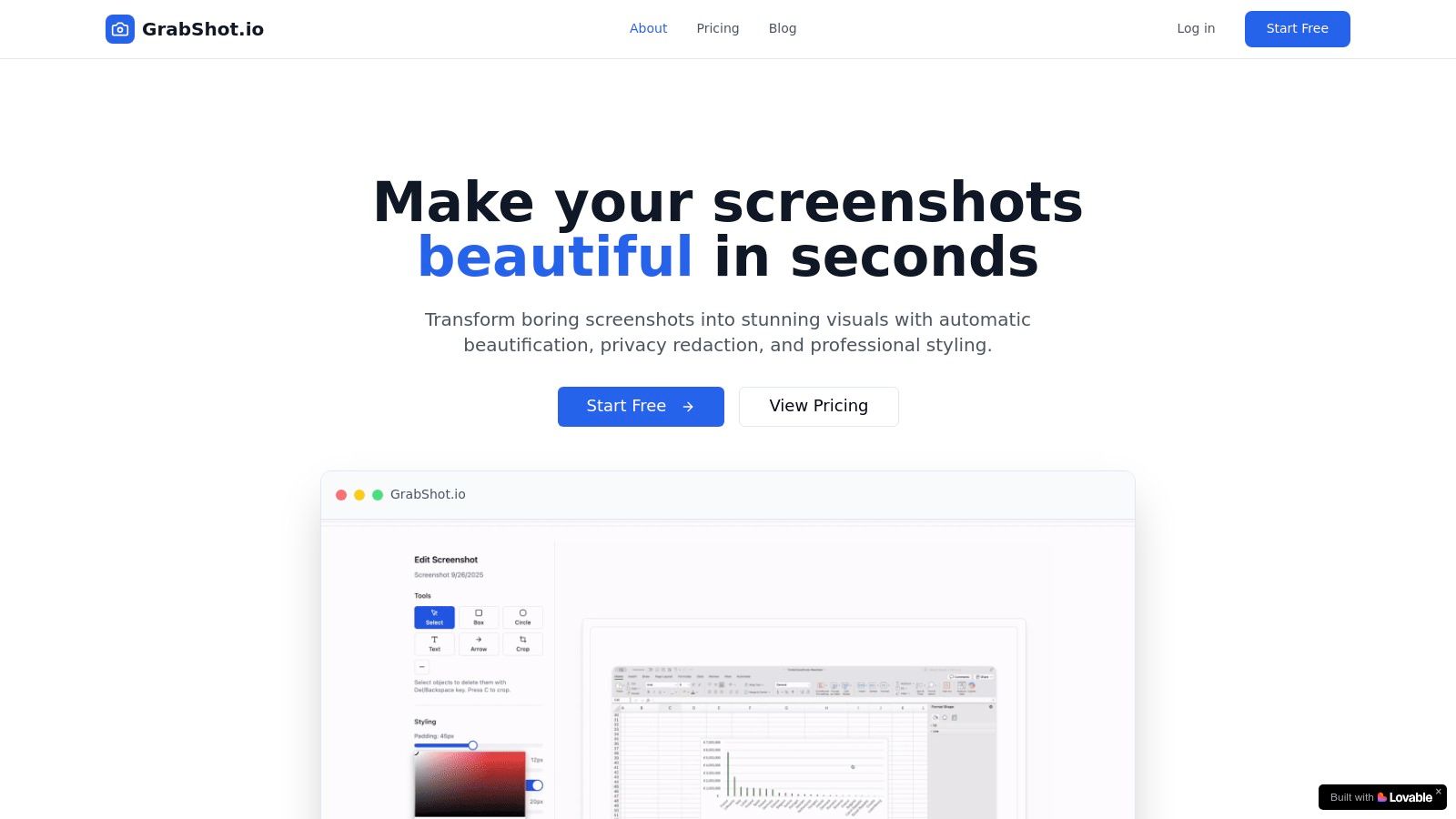
What makes GrabShot.io a superior choice among social media content creation tools is its focus on speed and privacy. The AI beautification instantly adds consistent padding, rounded corners, and elegant drop shadows, saving significant time compared to manual editing in complex software. For anyone sharing screenshots of software, user interfaces, or internal documents, the built-in OCR redaction is a critical feature. It automatically detects and masks sensitive text, ensuring you can share visuals with confidence and without manual blurring.
Key Features and Use Cases
- AI-Powered Beautification: Automatically transforms raw screenshots into visually appealing graphics. Ideal for marketers creating quick, branded visuals for tutorials, blog posts, or social media updates.
- OCR Redaction: A standout privacy feature that automatically finds and hides sensitive information like names, emails, or API keys. Perfect for support teams and developers sharing bug reports or product demos.
- Platform-Optimized Templates: Get perfectly sized and styled images for Twitter, LinkedIn, Dribbble, and more with a single click. This ensures your content always looks native and professional on each platform.
- Collaboration Tools: Shareable links, version history, and custom templates make it easy for teams to maintain a consistent visual style across all their content.
Pricing and Plans
- Free Plan: Allows for 5 screenshots per month with basic beautification features and standard templates. It's a great way to test the core functionality.
- Pro Plan ($9/month): Unlocks the full power of the tool with unlimited screenshots, advanced AI beautification, the crucial OCR redaction feature, custom templates, and priority support.
Pros and Cons
| Pros | Cons |
|---|---|
| Fast, automated AI styling saves hours of manual editing. | The Free plan is quite limited, pushing users toward the paid tier for regular use. |
| Built-in OCR redaction is a game-changer for privacy-safe sharing. | It is a specialized tool and not a replacement for full-featured image editors like Photoshop or Figma. |
| The lightweight, browser-based workflow requires no software installation. | Lacks offline functionality, requiring an internet connection. |
| Excellent for team collaboration with features like custom templates and shareable links. |
Best for: Marketers, developers, support teams, and content creators who need to produce high-quality, professional, and safe-to-share screenshot visuals quickly and repeatedly.
Website: https://grabshot.io
2. Canva
Canva has evolved from a simple graphic design tool into an all-in-one visual communication platform, making it one of the most indispensable social media content creation tools for teams of all sizes. It excels at democratizing design, allowing anyone to create professional-looking social posts, stories, Reels, and carousels in minutes. Its massive library of templates is the core of its appeal, removing the need to start from a blank canvas.
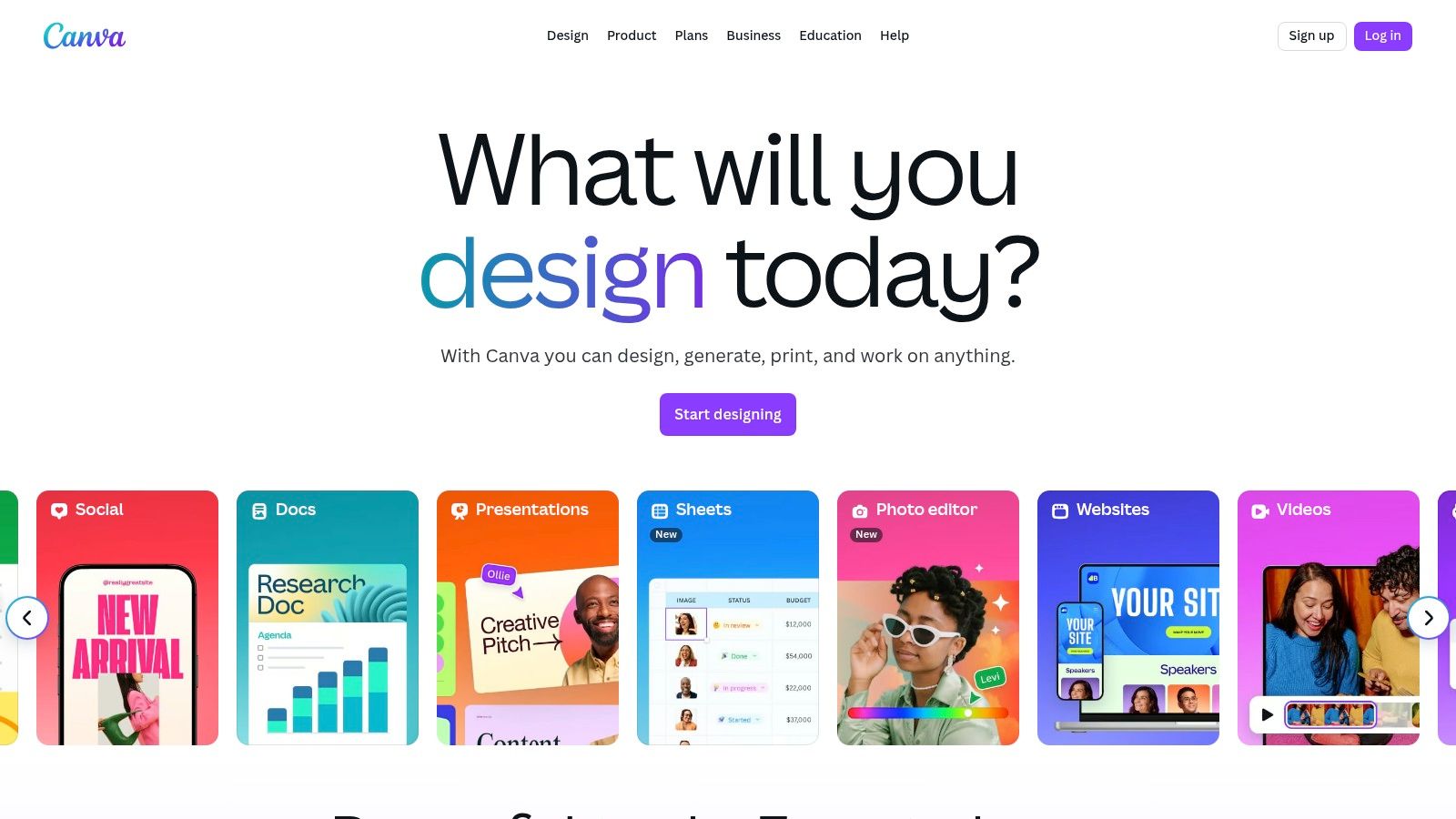
The platform’s strength lies in its speed and accessibility. Users can quickly resize a single design for various social media formats, a feature that saves significant time. For organizations, Brand Kits are a standout feature, ensuring every piece of content remains consistent with brand colors, fonts, and logos. The recent introduction of Magic Studio brings powerful AI capabilities, such as generating copy, creating images from text, and even applying brand styles to an entire presentation with one click.
Key Features & User Experience
- Ease of Use: An intuitive drag-and-drop interface with a minimal learning curve.
- Team Collaboration: Real-time commenting, approval workflows, and shared folders streamline creative production.
- AI-Powered Magic Studio: A suite of AI tools for design, writing, and bulk creative operations.
- Comprehensive Asset Library: Access millions of stock photos, videos, audio tracks, and graphics.
Pricing and Plans
Canva offers a robust Free plan suitable for individuals. Canva Pro and Canva for Teams unlock premium features like the Brand Kit, Magic Resize, and a larger content library. Pricing for teams can be complex and has changed over time, so it's best to consult their website for current rates.
Website: https://www.canva.com
3. Adobe Express
Adobe Express positions itself as a powerful, streamlined alternative in the world of social media content creation tools, leveraging the professional-grade ecosystem of its parent company. It offers a user-friendly platform for creating stunning social graphics, short videos, and web pages, making professional design accessible to non-designers. Its key differentiator is the deep integration with the Adobe Creative Cloud and the powerful, ethically-sourced Firefly generative AI.
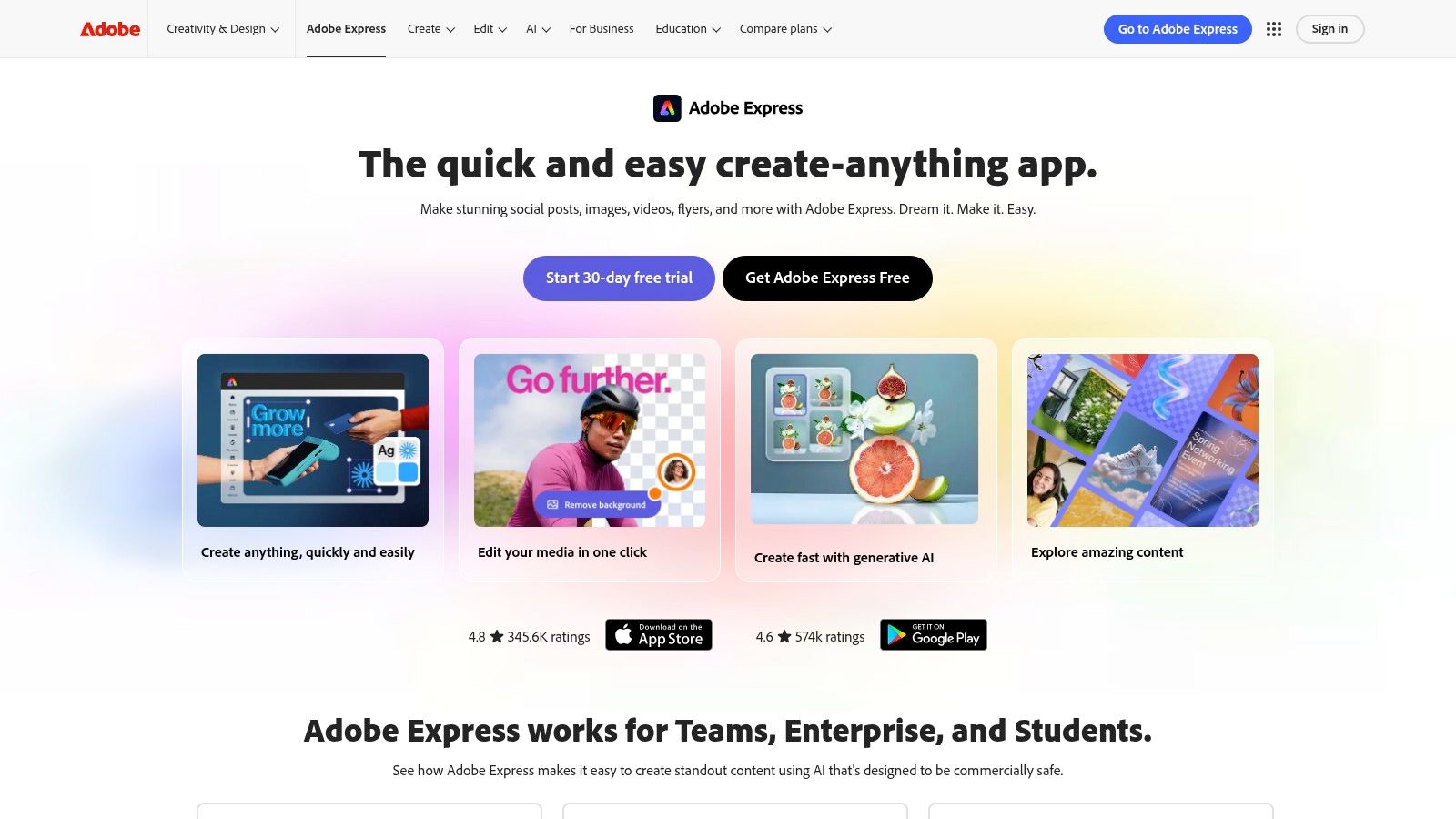
The platform shines for users already invested in the Adobe suite, allowing for seamless asset transfer from Photoshop or Illustrator. The integration of Firefly AI for text-to-image generation and text effects brings cutting-edge creative capabilities directly into the social content workflow. Features like quick resize and animation simplify the process of adapting content for various platforms, while built-in scheduling add-ons help streamline publishing.
Key Features & User Experience
- Adobe Firefly AI: Generate unique images and text effects from simple text prompts directly within your designs.
- Creative Cloud Integration: Easily access and edit linked assets from Photoshop and Illustrator for a unified workflow.
- All-in-One Editor: Create social posts, videos, flyers, and more with thousands of professional templates.
- Collaboration Features: Invite team members to edit and comment on projects in real-time, ideal for small businesses.
Pricing and Plans
Adobe Express offers a comprehensive Free plan with core features and access to Firefly AI. The Premium plan unlocks all premium templates and assets, more generative credits, and advanced features like Brand Kits. It is also included with most Creative Cloud All Apps plans.
Website: https://www.adobe.com/express
4. CapCut
Originally a mobile-first video editor, CapCut has become one of the most essential social media content creation tools for producing trend-driven short-form video. It is specifically designed for the rapid creation of TikToks, Reels, and Shorts, offering a massive library of templates, effects, and audio that align with current social media trends. The platform empowers users to produce high-engagement videos that look native to the platforms they are posted on.
CapCut's primary advantage is its speed and its deep integration with the TikTok ecosystem. Features like auto-captions, background removal, and one-click effects dramatically reduce editing time. Its user experience is exceptionally intuitive, making complex edits like speed ramps and transitions accessible to beginners. With cloud sync across mobile, desktop, and web, creators can start a project on one device and finish it on another, providing unmatched workflow flexibility for social media managers on the go.
Key Features & User Experience
- Ease of Use: An extremely intuitive interface, especially on mobile, perfect for quick edits.
- Trend-Focused Templates: A constantly updated library of templates that mirror popular TikTok and Reels formats.
- AI-Powered Features: Includes auto-captions, text-to-speech, and background removal to streamline production.
- Cross-Platform Sync: Seamlessly edit projects across mobile, desktop, and web versions.
Pricing and Plans
CapCut provides a powerful Free version with most core features available, though some exports will have a watermark. The CapCut Pro subscription removes watermarks and unlocks premium templates, effects, and advanced features like cloud storage and team collaboration spaces.
Website: https://www.capcut.com
5. Descript
Descript revolutionizes video and audio production by treating them like text documents, positioning it as one of the most innovative social media content creation tools for creators focused on podcasts, interviews, and talking-head videos. Its core concept is text-based editing; to cut a segment of video, you simply delete the corresponding words in the automatically generated transcript. This dramatically lowers the barrier to entry for video editing and accelerates repurposing workflows.
The platform’s power lies in its AI-driven features designed for social media. Descript can automatically identify and create short, shareable clips from long-form content, add dynamic captions, and even remove filler words like "um" and "uh" with a single click. The AI Overdub feature can create a realistic clone of your voice to correct mistakes or add new words, saving immense time on re-recording. This makes it an essential tool for efficiently turning a single podcast or webinar into dozens of social-ready assets.
Key Features & User Experience
- Text-Based Video Editing: Edit video and audio by simply editing the text transcript.
- AI-Powered Tools: Includes filler word removal, AI-generated clips, and voice cloning (Overdub).
- Automatic Captions & Transcription: Fast and accurate transcription to generate subtitles for social videos.
- Studio Sound: A one-click feature that removes background noise and enhances voice quality.
Pricing and Plans
Descript offers a Free plan with limited transcription hours and features. Paid plans like Creator and Pro unlock more transcription minutes, advanced AI features, and higher export quality. The pricing model is usage-based, relying on media minutes and AI credits, which may require users to carefully monitor their consumption to manage costs effectively.
Website: https://www.descript.com
6. VEED
VEED has carved out a niche as one of the most efficient browser-based social media content creation tools specifically for video. It’s designed for speed, allowing social media managers and creators to quickly add subtitles, repurpose content, and generate new videos without installing complex software. Its core strength is making tedious video tasks, like transcribing and translating, incredibly simple and fast.
The platform stands out with its powerful one-click subtitling and a growing suite of AI features. Users can generate scripts, create AI avatars, and even clone voices directly in the browser, dramatically reducing production time. VEED is ideal for creating the short-form, accessible video content that dominates platforms like TikTok, Instagram Reels, and YouTube Shorts. The built-in hosting and feedback links also streamline the review process for teams.
Key Features & User Experience
- Ease of Use: An intuitive, web-based interface focused on getting video edits done quickly.
- One-Click Subtitles & Translation: Automatically generate and translate captions to improve accessibility and reach.
- AI Video Tools: Includes AI avatars, voice cloning, and text-to-video generation for rapid content creation.
- Team Collaboration: Brand Kits and shared workspaces ensure consistency and simplify feedback loops.
Pricing and Plans
VEED offers a Free plan for users to test the platform with watermarked exports. Paid plans like Basic, Pro, and Business unlock more features, remove watermarks, and increase export limits. Some users have reported that pricing can be dynamic, so checking the official site for the most current information is recommended.
Website: https://www.veed.io
7. InVideo
InVideo streamlines video production by transforming text prompts and scripts into engaging social media content. It stands out as one of the most accessible AI-powered social media content creation tools, designed for users who need to produce high volumes of short-form videos like ads, explainers, and Reels without deep technical expertise. The platform’s core strength is its script-to-video workflow, which automates the process of finding relevant stock footage, adding text overlays, and generating a voiceover.
The platform integrates vast stock media libraries from partners like iStock and Storyblocks, providing a comprehensive asset pool directly within the editor. This all-in-one approach saves considerable time by eliminating the need to source clips, music, and voice talent separately. For brands seeking a more personalized touch, InVideo offers AI avatars and voice cloning features, allowing for consistent and recognizable video content without filming a single shot.
Key Features & User Experience
- AI Script-to-Video: Automatically generates a video complete with stock media and voiceover from a text prompt.
- Integrated Stock Libraries: Access to millions of premium video clips, images, and audio tracks within the editor.
- AI Avatars & Voice Cloning: Create custom digital presenters and clone voices for consistent narration across videos.
- Template-Based Editing: A simple, intuitive editor with thousands of pre-made templates for quick customization.
Pricing and Plans
InVideo offers a Free plan that allows users to test the core workflows, though exports include a watermark. Paid plans like Plus and Max operate on a credit-based system, providing monthly allowances for premium stock media, background removal, and watermark-free exports. Unlimited exports are a key benefit of all paid tiers.
Website: https://invideo.io
8. Kapwing
Kapwing has established itself as a go-to online video editor for social media teams that need to move quickly. It’s one of the most accessible social media content creation tools for creating memes, subtitling Reels, and repurposing long-form video into shareable clips. The platform is entirely browser-based, removing the friction of software installation and making it ideal for teams with varying technical skills. Its templates and smart resizing tools are tailored for speed.
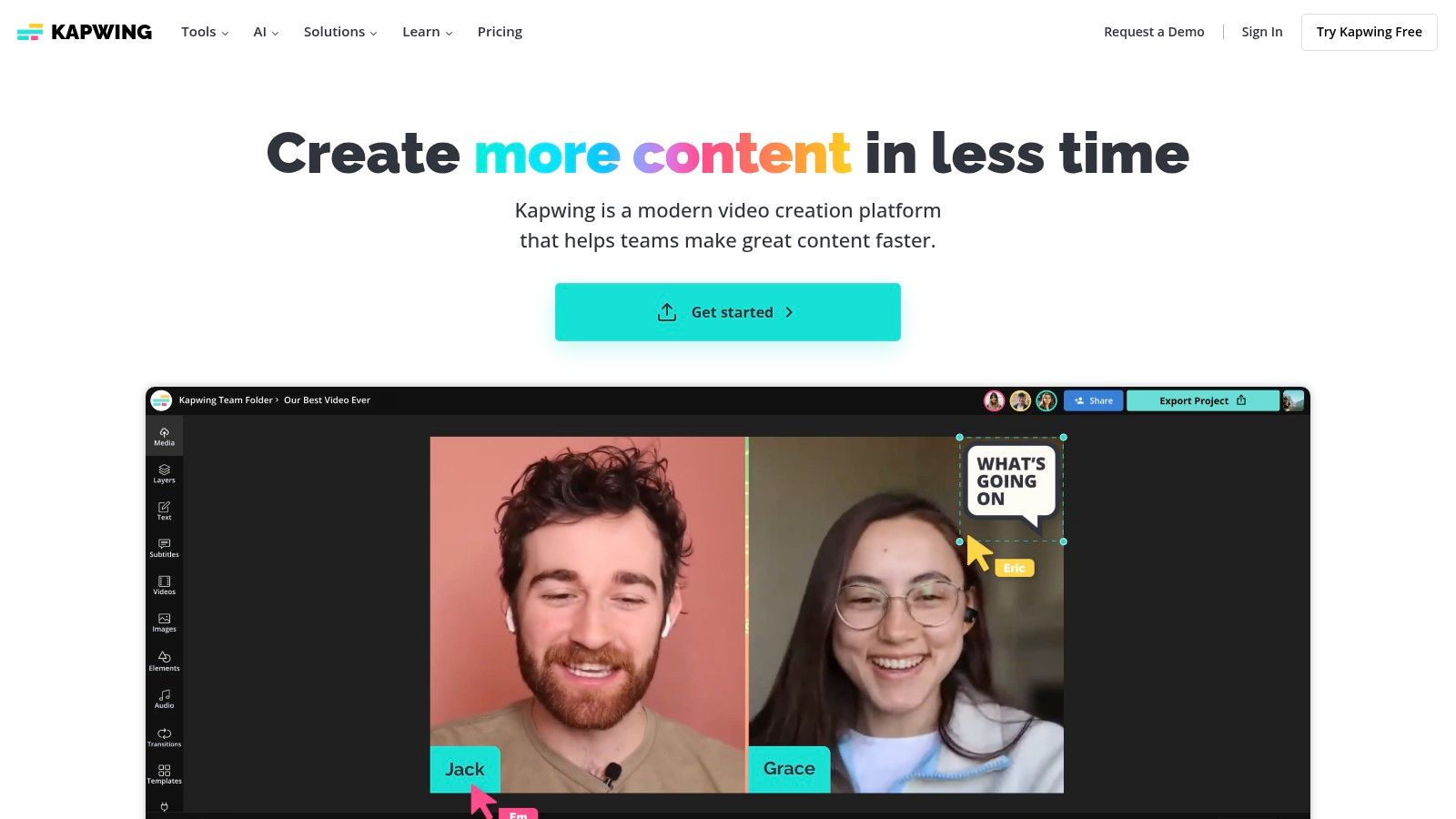
The platform's core strength is its streamlined workflow for common social video tasks. Adding animated subtitles or captions is incredibly simple, and collaborative workspaces allow team members to leave feedback and make edits in one shared project. While it may not replace a professional video editing suite, it excels at the quick-turnaround edits that dominate social media, like adding a trending audio track or trimming a clip for TikTok. Heavier projects, however, can sometimes experience lag in the browser.
Key Features & User Experience
- Browser-Based Editor: No installation required, making it easy to adopt for non-editors.
- Smart Tools: Automatic subtitling, background removal, and smart resizing for different platforms.
- Team Collaboration: Shared workspaces, commenting, and folder organization for team projects.
- Templates Library: A wide selection of templates for memes, Instagram Stories, TikToks, and more.
Pricing and Plans
Kapwing offers a Free plan with some limitations, such as watermarks on exported videos. The Pro plan removes watermarks and unlocks premium features. For Business plans offer dedicated support and collaborative tools. The pricing structure is clear, with options for per-member billing that makes it easy to scale for growing teams.
Website: https://www.kapwing.com
9. Placeit (by Envato)
Placeit, an Envato platform, has carved out a niche as one of the most efficient social media content creation tools for generating professional mockups and branded assets without complex software. It's a go-to for e-commerce brands, podcasters, and YouTubers who need to showcase products or branding on apparel, devices, and packaging quickly. The platform's core value is its massive template library combined with an incredibly simple web-based editor.
Its strength lies in speed and simplicity. A user can create a realistic t-shirt mockup or a branded video intro in minutes, a task that would otherwise require a skilled designer and significant time. While the template-driven approach means customization is less granular than in professional design tools, it's a perfect trade-off for teams needing high-volume, good-looking social content on a tight schedule.
Key Features & User Experience
- Ease of Use: An extremely intuitive interface where users simply select a template, upload their design, and download the final asset.
- Massive Mockup Library: Thousands of high-quality mockups for apparel, digital devices, print materials, and more.
- Video & Design Templates: Create animated logos, social media videos, and Instagram Stories from pre-made templates.
- No Design Skills Required: The platform is built for non-designers, making professional visuals accessible to everyone.
Pricing and Plans
Placeit operates on a subscription model, offering an Unlimited Subscription that provides access to all mockups, design templates, and video templates for a recurring fee. This is highly cost-effective for users with consistent creative needs. Single purchases are also available for one-off projects.
Website: https://placeit.net
10. Envato Elements
Envato Elements is an "all-you-can-download" creative subscription service, making it one of the most cost-effective social media content creation tools for agencies and high-volume creators. Instead of paying per asset, a single subscription provides unlimited access to millions of stock videos, music tracks, sound effects, graphic templates, and fonts. This vast library is ideal for sourcing B-roll, background music for Reels and TikToks, and professional templates for video intros or social posts.
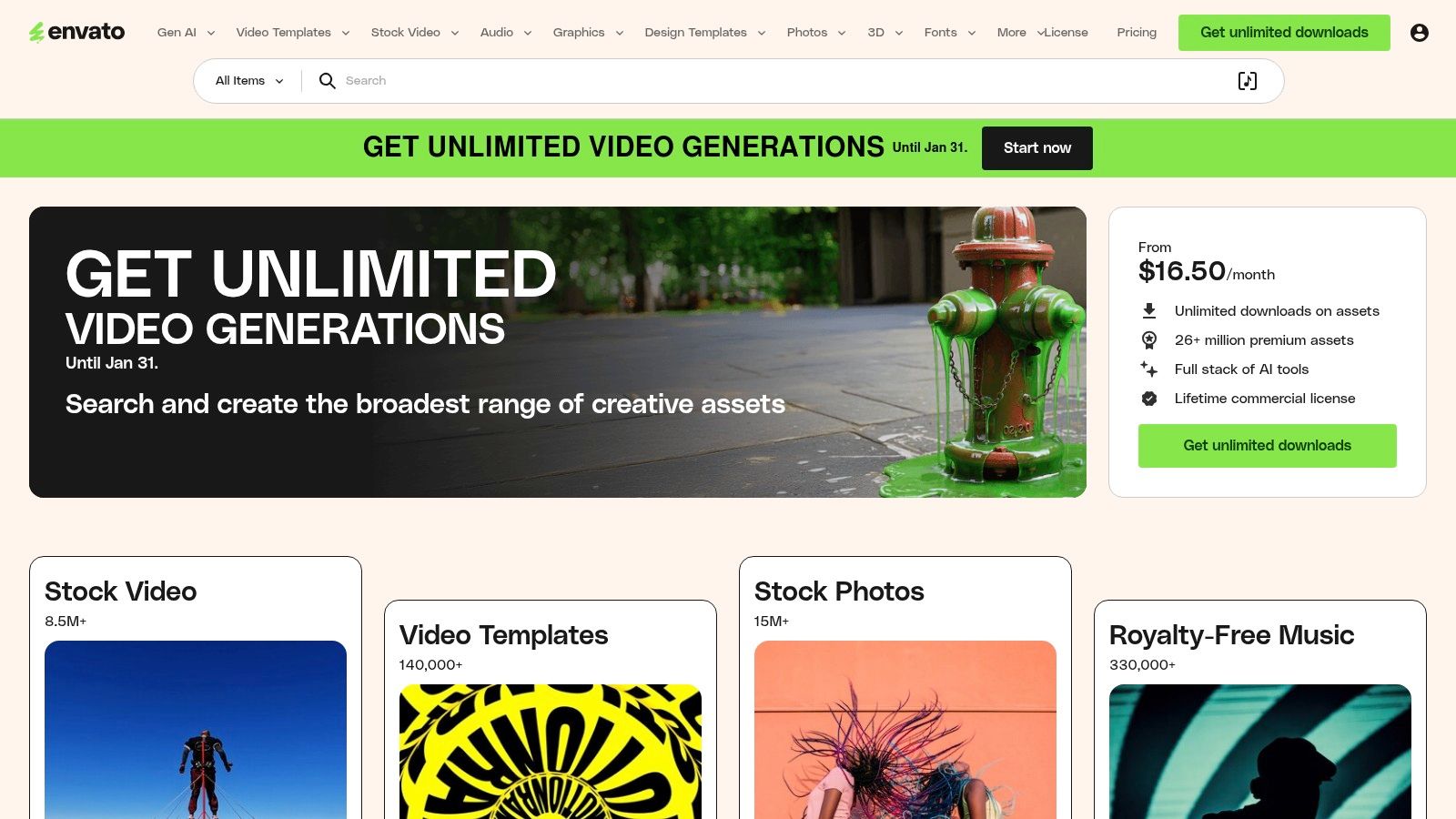
The platform's primary strength is its simple, broad commercial license, which covers all downloads for peace of mind. While the sheer volume of assets is a major advantage, it also means quality can vary, requiring users to spend time curating and searching for the best files. For teams needing a constant supply of fresh creative assets without unpredictable costs, Envato Elements provides a predictable and valuable resource pipeline.
Key Features & User Experience
- Unlimited Downloads: Access to over 26 million creative assets, including video, audio, and graphics, under one subscription.
- Simple Licensing: A straightforward commercial license covers all assets, simplifying usage rights for social media marketing.
- Vast Template Library: Extensive collection of templates for video editors (like After Effects and Premiere Pro), presentations, and social media graphics.
- High-Volume Value: Excellent return on investment for users who frequently need diverse creative assets.
Pricing and Plans
Envato Elements operates on a subscription model. The Individual plan offers unlimited downloads for a single user. Teams and Enterprise plans are available for collaborative use with tiered pricing. Its predictable cost structure is a major draw compared to pay-per-asset stock sites.
Website: https://elements.envato.com
11. Shutterstock
Shutterstock is a powerhouse for sourcing high-quality, licensable assets, making it an essential resource among social media content creation tools for businesses that prioritize legal compliance. While known for its vast library of stock images, videos, and music, its value extends into creation with the Shutterstock Create app and an AI image generator. This combination allows teams to find professional assets and immediately adapt them for social media campaigns within a single ecosystem.
The platform’s key differentiator is its clear licensing model, which provides peace of mind for corporate and commercial use. For social media managers, this means no more worrying about copyright infringement when using visuals. The inclusion of a free design tool (Shutterstock Create) offers basic template-driven editing, while the AI generator provides a path to create unique, commercially licensable images from text prompts, directly addressing the need for custom visuals without the cost of a photoshoot.
Key Features & User Experience
- Massive Asset Library: Access to millions of licensable stock photos, video clips, and music tracks.
- AI Image Generator: Create unique, commercially safe images from text prompts with a standard license included on downloads.
- Shutterstock Create: A free, web-based design tool with templates for quickly turning assets into social media graphics.
- Clear Licensing: Straightforward standard and enhanced licenses suitable for business and enterprise needs.
Pricing and Plans
Shutterstock offers a mix of On-Demand Packs for a set number of downloads and Subscription plans for ongoing needs. Pricing varies significantly based on asset type (images, video, music) and volume. Business and enterprise plans are available. Be aware that some annual plans may include early cancellation fees.
Website: https://www.shutterstock.com
12. AppSumo
AppSumo is not a single tool but a dynamic marketplace that offers lifetime deals on emerging social media content creation tools. For budget-conscious creators and small businesses, it's a treasure trove for discovering and acquiring software like video editors, AI writers, and design apps at a fraction of their standard cost. Its value lies in providing access to innovative tools that might otherwise be financially out of reach.
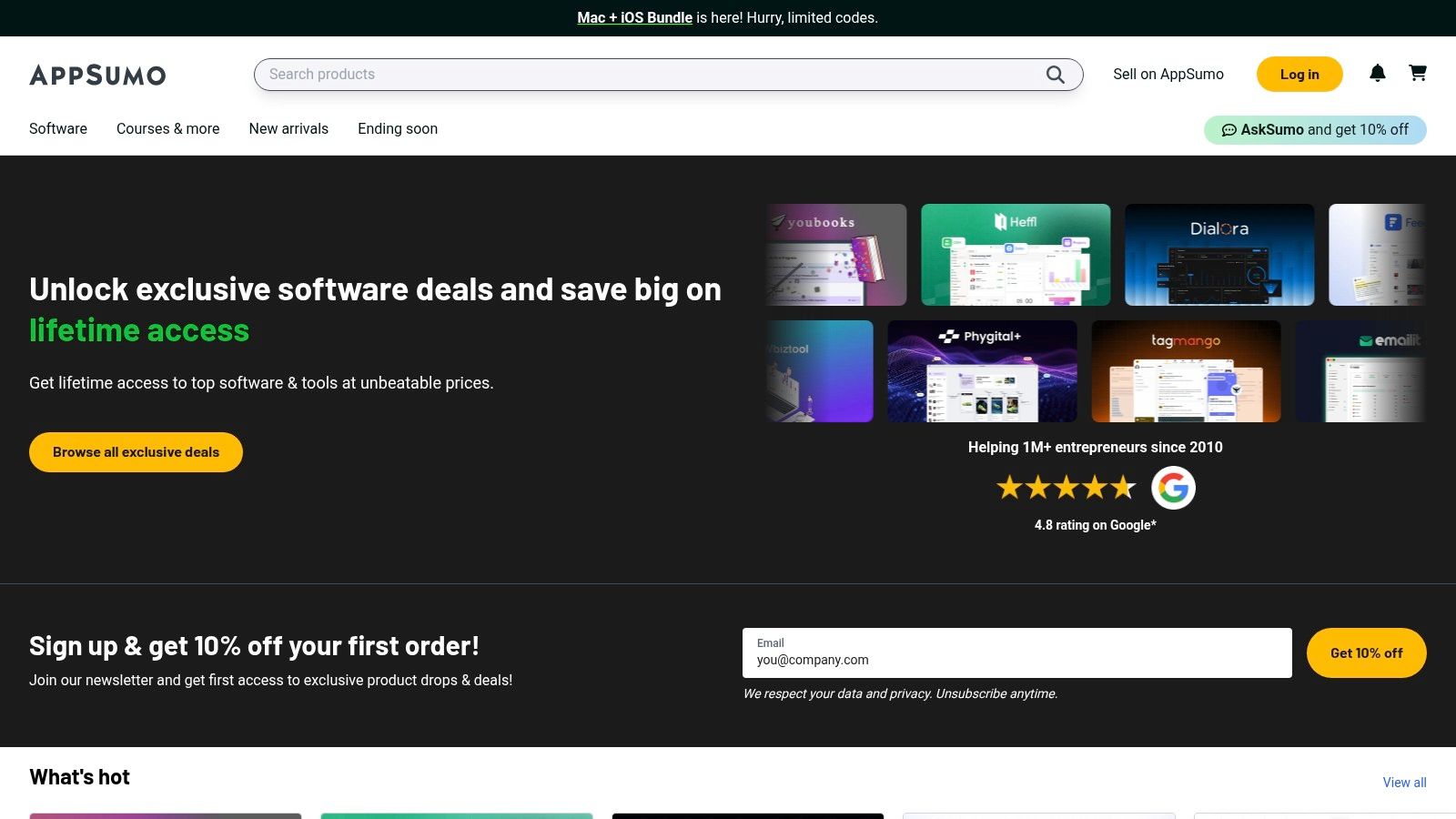
The platform’s model centers on limited-time offers, creating a unique discovery engine for new SaaS products. While the deals can offer incredible long-term savings, users should be aware that many tools are from early-stage companies, which carries an inherent risk regarding longevity. However, AppSumo mitigates this with a generous refund policy, typically 60 days, allowing for thorough testing before full commitment.
Key Features & User Experience
- Lifetime Deals (LTDs): Pay once to own a software license forever, avoiding recurring subscription fees.
- Curated Discovery: A centralized place to find and evaluate a wide variety of niche and new creative tools.
- User Reviews & Questions: A robust community feedback system helps vet tools before purchasing.
- Risk Mitigation: A 60-day money-back guarantee provides a safety net for trying new applications.
Pricing and Plans
AppSumo itself is Free to browse and join. The cost is associated with the individual deals you purchase, which vary widely. An AppSumo Plus membership offers an additional 10% off purchases and other perks for an annual fee.
Website: https://appsumo.com
Top 12 Social Media Content Creation Tools — Comparison
| Product | Core features | UX / Quality ★ | Price & value 💰 | Target audience 👥 | Unique selling points ✨ |
|---|---|---|---|---|---|
| GrabShot.io 🏆 | AI beautify, OCR redaction, padding/corners/shadows, platform templates, history | Browser-based 3‑step flow — ★4.9/5 (1.2k+ reviews) | 💰 Free (5 screenshots/mo) · Pro $9/mo — unlimited + OCR | Creators, designers, marketers, devs, support teams | ✨ Auto AI beautify + automatic OCR redaction + shareable templates |
| Canva | Templates, stock assets, brand kits, Magic Studio AI | Fast, low learning curve — ★— | 💰 Free tier · Pro/team pricing varies | Marketers, social teams, non-designers | ✨ Massive template/stock library + brand kit & team workflows |
| Adobe Express | Social templates, Firefly AI, quick resize & animation, CC integration | Integrated with Creative Cloud — ★— | 💰 Free tier · Paid features/plan variations | SMBs, Adobe users, social creators | ✨ Firefly generative AI + Photoshop/Illustrator integration |
| CapCut | Social-first video editor, templates, auto-captions, background removal | Mobile + web, trend-focused — ★— | 💰 Free tier · Some Pro assets/effects | Short-form creators (TikTok/Shorts/Reels) | ✨ Trend templates + cloud sync across devices |
| Descript | Text-based video/audio editing, overdub, auto-captions, clip gen | Desktop/web, transcript-first — ★— | 💰 Free tier · Usage-based media minutes/AI credits | Podcasters, talking-head creators, editors | ✨ Transcript-driven edit + AI overdub & rapid repurposing |
| VEED | One-click subtitles, translations, AI avatars/voices, hosting | Browser-based, accessible — ★— | 💰 Free tier · Paid tiers for advanced AI | Social creators, teams needing quick subtitled clips | ✨ AI avatars/voice cloning + instant translations & hosting |
| InVideo | Script-to-video, templates, stock integration, avatars/voice | Web-based template pipeline — ★— | 💰 Free (watermark) · Credit-based paid plans | Social ads creators, marketers | ✨ Script→video generator + integrated stock & voice options |
| Kapwing | Templates, subtitles, captioning, team workspaces | Browser editor, collaborative — ★— | 💰 Free tier · Paid for advanced/team features | Social teams, non-editors, content repurposers | ✨ Simple collaborative browser editor + clear plan tiers |
| Placeit (Envato) | Mockups, animated logos, video templates, quick customization | Web-based, template-driven — ★— | 💰 Subscription · Unlimited plan option | Small businesses, creators needing quick mockups | ✨ Huge device/apparel mockup library + animated intros |
| Envato Elements | 26M+ assets: video, audio, graphics, fonts, templates | Asset-first, large library — ★— | 💰 Subscription — unlimited downloads & simple license | Agencies, studios, high-volume producers | ✨ Breadth of assets + predictable commercial license |
| Shutterstock | Stock images/video/music, Create editor, AI generator | Enterprise-grade licensing — ★— | 💰 Subscriptions & pack pricing; higher cost for volume | Enterprises, marketing teams, agencies | ✨ Licensable assets + AI image gen + simple editor |
| AppSumo | Marketplace for lifetime/discounted SaaS deals | Deal marketplace, discovery-focused — ★— | 💰 One-time/lifetime offers; variable value | Bootstrapped founders, budget-conscious teams | ✨ Lifetime deals & vendor protections (limited-time refunds) |
Choosing the Right Tool for Your Social Strategy
Navigating the expansive landscape of social media content creation tools can feel overwhelming, but the right toolkit is closer than you think. As we've explored, the ideal solution isn't about finding a single, all-powerful platform. Instead, it’s about strategically assembling a stack that aligns perfectly with your specific workflow, team size, budget, and creative ambitions.
The key takeaway is to move beyond a simple feature-for-feature comparison and focus on your core operational needs. The best tool for a solo creator focused on viral TikToks (like CapCut or VEED) will differ dramatically from the needs of a corporate marketing team requiring brand consistency and collaborative design (like Canva or Adobe Express). Likewise, a software company needing to produce crisp, privacy-focused product visuals will find immense value in a specialized tool like GrabShot.io.
How to Build Your Perfect Content Creation Stack
To make a confident decision, start by auditing your current content creation process. Pinpoint your most significant bottleneck. Is it the time spent editing raw video footage? The struggle to maintain a consistent brand aesthetic across all posts? Or the tedious process of capturing and annotating screenshots for tutorials?
Once you identify your primary pain point, use that as your starting point. Consider the following factors as you evaluate your options:
- Core Functionality: Does the tool excel at the one thing you need most? Whether it's AI-powered video editing from Descript or the vast template library of Placeit, prioritize the platform that solves your biggest problem.
- Workflow Integration: How well will this tool fit into your existing process? Consider its collaborative features, export options, and overall ease of use. The goal is to reduce friction, not add another complicated step.
- Scalability and Cost: Start with free trials or freemium plans to test the waters. Assess whether the pricing tiers align with your future growth. A tool that seems affordable now might become a budgetary burden as your team or content volume expands.
Your Actionable Next Steps
Instead of committing to a single, expensive platform immediately, adopt a modular approach. Select one or two tools from this list that directly address your most pressing challenges and sign up for their free versions. Spend a week creating content exclusively with them. This hands-on experience is the most reliable way to determine if a tool truly enhances your productivity.
By thoughtfully combining the strengths of a few specialized social media content creation tools, you can build a powerful and efficient content engine. This strategic approach not only saves valuable time and minimizes stress but also empowers you to consistently produce high-impact social media content that captivates your audience and drives results.
Ready to eliminate the headache of creating clean, professional screenshots and screen recordings? GrabShot.io is the specialized tool designed for speed and clarity, allowing you to instantly capture, annotate, and share visuals with automatic device mockups and privacy blurring. Streamline your visual content creation by trying GrabShot.io today.